1
Motherboard User’s Guide
Expansion Slots
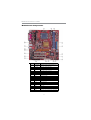
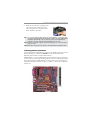
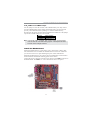
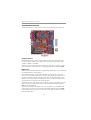
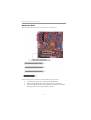
This motherboard has one AGP, CNR and three 32-bit PCI slots.
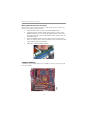
Follow the steps below to install an AGP/CNR/PCI expansion card.
1
Locate the AGP, CNR or PCI slots on the motherboard.
2
Remove the blanking plate of the slot from the system chassis.
3
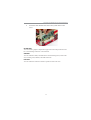
Install the edge connector of the expansion card into the slot. Ensure
the edge connector is correctly seated in the slot.
16