1
189 Meter Indicators – Needle, Arc and Symbol
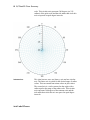
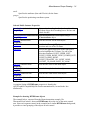
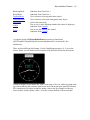
LineStyle.
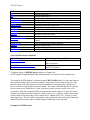
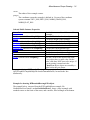
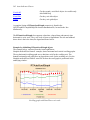
A complete listing of RTMeterArcIndicator properties is found in the
QCRTGraphSLCompiledHelpFile.chm documentation file, located in the \doc
subdirectory.
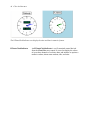
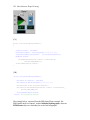
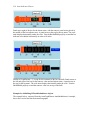
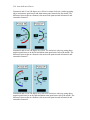
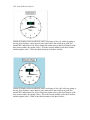
In the single segment arc indicator subtype (RTMeterArcIndicator.IndicatorSubType
=_METER_SINGLE_SEGMENT_ARC_SUBTYPE), only the last segment is “on”. The
segments up to but not including the final segment are turned “off”,
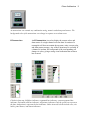
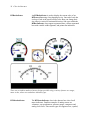
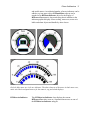
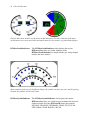
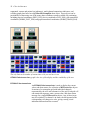
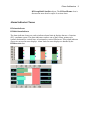
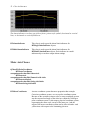
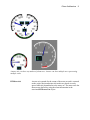
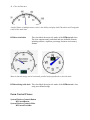
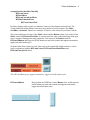
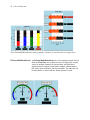
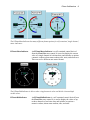
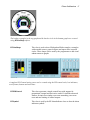
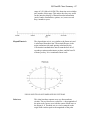
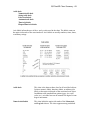
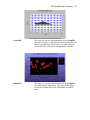
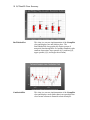
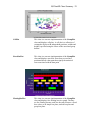
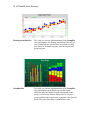
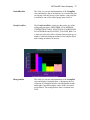
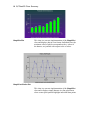
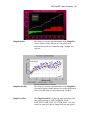
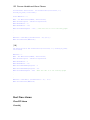
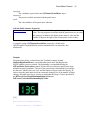
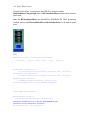
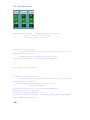
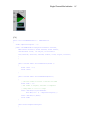
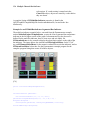
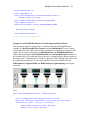
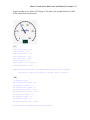
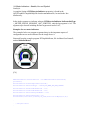
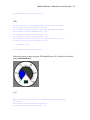
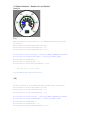
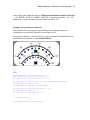
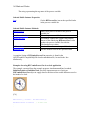
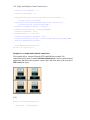
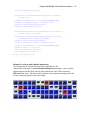
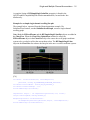
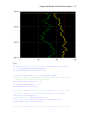
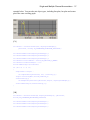
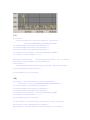
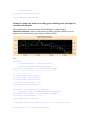
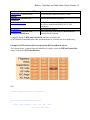
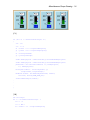
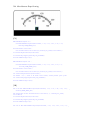
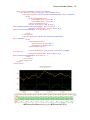
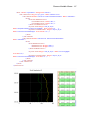
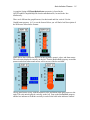
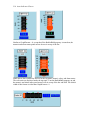
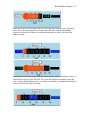
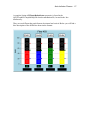
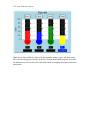
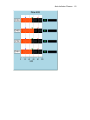
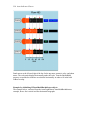
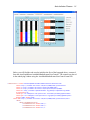
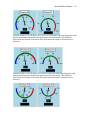
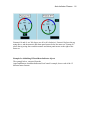
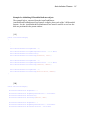
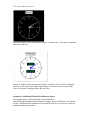
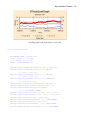
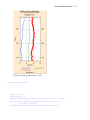
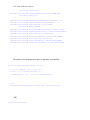
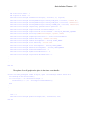
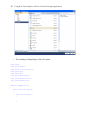
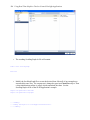
Examples for arc meter indicators
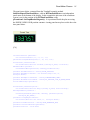
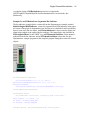
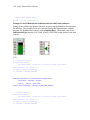
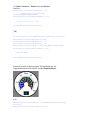
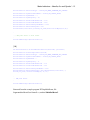
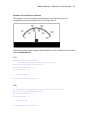
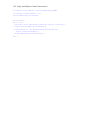
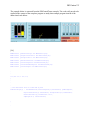
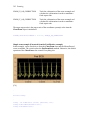
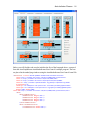
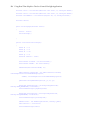
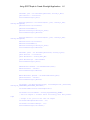
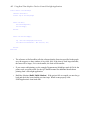
The examples below are program segments that give the important aspects of
configuration an arc meter indicator for the image above it.
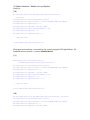
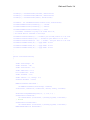
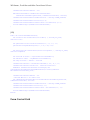
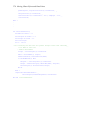
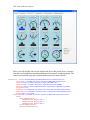
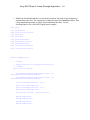
Extracted from the example program RTGraphNetDemo, file ArcMeterUserControl1,
method InitializeMeter1.
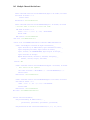
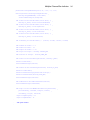
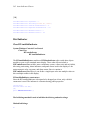
[C#]
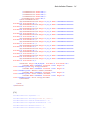
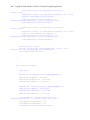
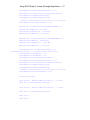
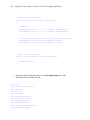
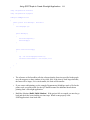
RTMeterArcIndicator meterarcindicator = new RTMeterArcIndicator(meterframe,
processVar1);
meterarcindicator.SetChartObjAttributes(attrib1);
meterarcindicator.IndicatorSubtype = ChartObj.RT_METER_ARC_BAND_SUBTYPE;
meterarcindicator.InnerValueArcNormalized = 0.65;
meterarcindicator.OuterValueArcNormalized = 0.85;
meterarcindicator.IndicatorBackgroundEnable = true;
meterarcindicator.IndicatorBackground = new
ChartAttribute(Colors.Black,2,ChartObj.LS_SOLID,ChartColor.FromRgb(60,60,60));
.
.
.
// Add panel meters