1
Reviewing and editing
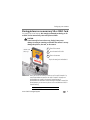
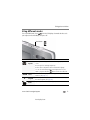
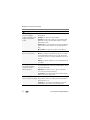
Deleting pictures/videos
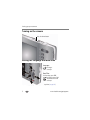
1 Press the Review
2 Press
button.
for previous/next picture/video.
3 Press the Delete button.
4 Follow the screen prompts.
NOTE: To delete protected pictures/videos, remove protection before deleting. (See Protecting
pictures/videos from deletion.)
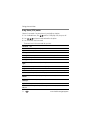
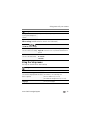
Using the undo delete picture feature
If you accidentally delete a picture, you may be able to use Undo Delete to retrieve it.
This feature is only available immediately after you delete a picture.
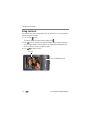
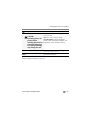
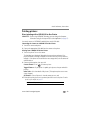
Protecting pictures/videos from deletion
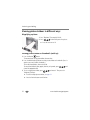
1 Press the Review
2 Press the Menu
3 Press
button.
button.
to choose Protect, then press OK.
4 Press
to choose Protect again, then press OK.
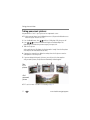
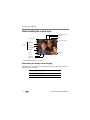
A padlock indicates that the picture/video is protected. Clicking OK again removes the
padlock. Press
to protect other pictures/videos, or press
to choose Done,
then press OK.
■
Press the Menu
button to exit the menu.
CAUTION:
Formatting internal memory or an SD or SDHC Card deletes all
(including protected) pictures/videos. (Formatting internal
memory also deletes email addresses and keyword tags.)
www.kodak.com/go/support
24