1
Taking pictures/videos
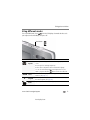
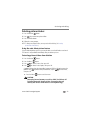
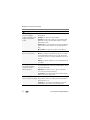
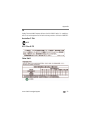
SCN mode
For
Blur
Reduction
Reducing blur caused by camera shake or subject motion.
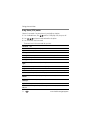
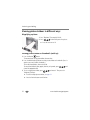
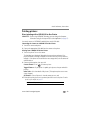
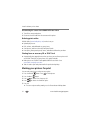
Using Program mode
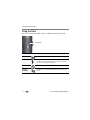
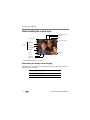
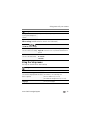
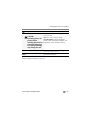
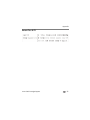
Program mode gives access to these settings:
Setting
Description
Exposure
Compensation
Adjust the exposure. If a scene is too light, decrease the setting;
if it’s dark, increase the setting.
Self-timer/Burst
Include yourself in a picture (page 16). Burst takes a series of
pictures in rapid succession.
Focus Mode
Choose Auto, Macro (for close-ups), or Infinity.
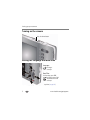
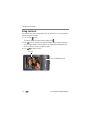
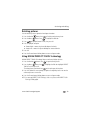
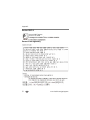
1 Press the Mode button
.
2 Press
to choose P (Program) mode, then press OK.
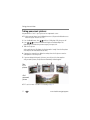
3 Press
to choose a setting.
4 Press
to change a setting, then press OK to save it.
Program mode settings
www.kodak.com/go/support
14