1
Section 3 - Configuration
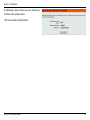
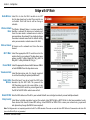
If you want to change the admin account password,
enter a new password and click Next. It is strongly
recommended to change your password.
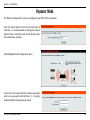
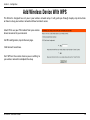
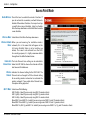
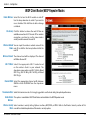
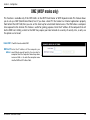
Select Auto as the coniguration method only if your
wireless device supports Wi-Fi Protected Setup
(WPS). For Manual setup, skip to the next page.
Click Next to continue.
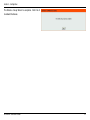
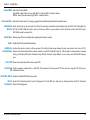
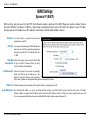
Click Save to save your network settings.
In order for your network settings to take efect AP
will reboot automatically.
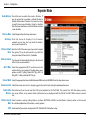
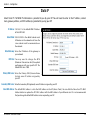
When the device has finished rebooting the main
screen will display.
D-Link DAP-1360 User Manual
23