1
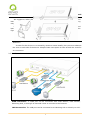
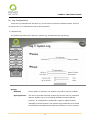
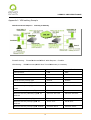
2 WAN 3 LAN VPN Firewall
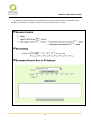
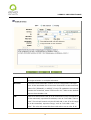
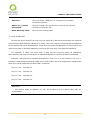
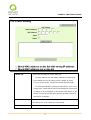
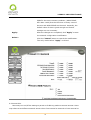
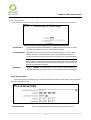
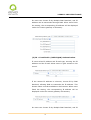
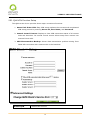
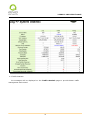
with the IP address of 192.168.1.0 can establish connection.
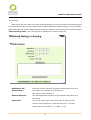
(2) Subnet
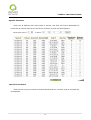
This option allows remote computers in this IP session can be
connected when the VPN tunnel is connected.
Reference:
When
this
VPN
tunnel
is
connected,
only
computers with the session of 192.168.1.0 and with subnet
mask as 255.255.255.0 can connect with remote VPN.
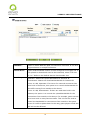
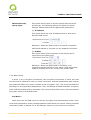
(3) IP Address Range
This option allows connection only when IP address range
which is entered after the VPN tunnel is connected.
Reference: When this VPN channel is connected, computers
with
the
IP
address
range
between
192.168.2.1
and
192.168.1.254 can establish connection.
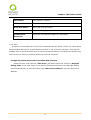
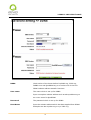
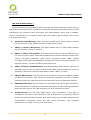
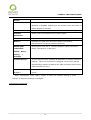
Remote Client
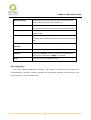
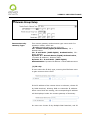
This setting offers three operation modes, which are:
configuration:
Domain Name (FQDN), - Domain Name
E-mail Address (USER FQDN), - Email Address
Microsoft XP/2000 VPN Client, - Microsoft XP/2000 VPN Client
end
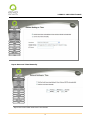
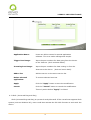
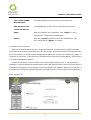
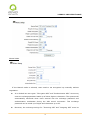
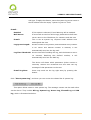
(1) Domain Name(FQDN), - Domain Name
If users select Domain Name type, please enter the domain
name to be authenticated. FQDN refers to the combination of
host name and domain name that are available on the Internet
(i.e. vpn.Server.com).The domain name must be identical to
the status setting of the client end to establish successful
connection.
80