1
D-Link DAS-3248 IP DSLAM
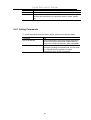
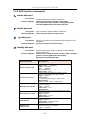
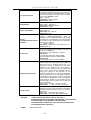
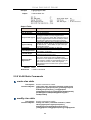
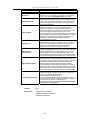
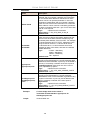
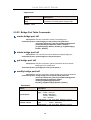
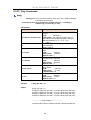
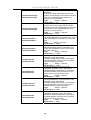
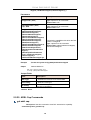
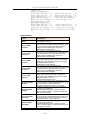
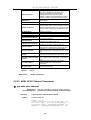
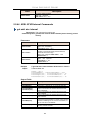
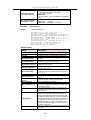
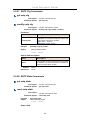
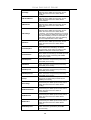
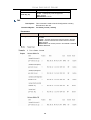
The id of the user whose password is to be changed. If not
specified then the current user is assumed.
Type: Mandatory, if user is logged in through serial port and
user authentication is disabled through serial port.
Otherwise, Optional.
Valid values: String of up to 64 characters (All printable
characters except ‘;‘)
User-id
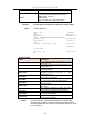
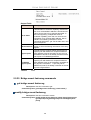
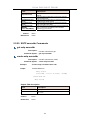
Example
Normal Usage
$passwd
Old Password:
New Password:
Confirm New Password:
Set Done.
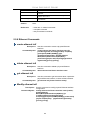
Super User (for ordinary user)
$passwd User1
New Password:
Confirm New Password:
Set Done.
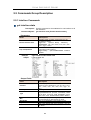
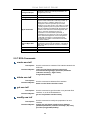
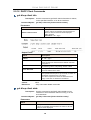
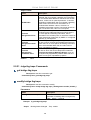
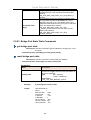
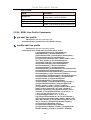
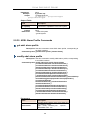
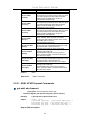
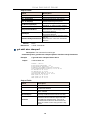
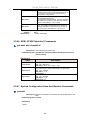
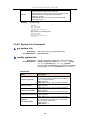
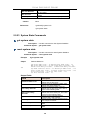
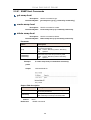
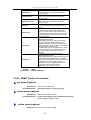
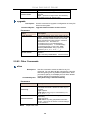
5.5.49 System Info Commands
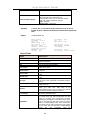
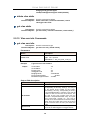
get system info
Description:
Command Syntax:
This command to get system parameters.
get system info
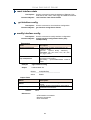
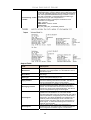
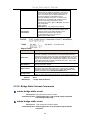
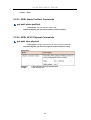
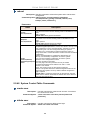
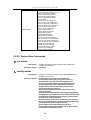
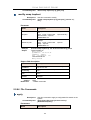
modify system info
Description:
Command Syntax:
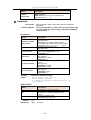
Use this command to modify the system parameters.
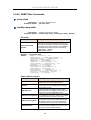
modify system info [contact sys-contact ] [name
sys-name ][location sys-location ] [vendor
sys-vendor-info ] [logthreshsys-log-threshold ] [systime
systime ] [dst <on |off>] [timezone <timezone> ]
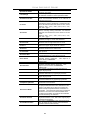
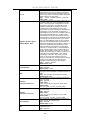
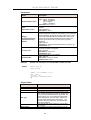
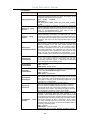
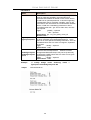
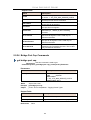
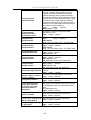
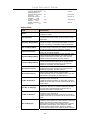
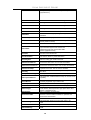
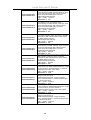
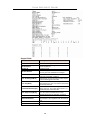
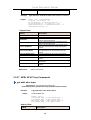
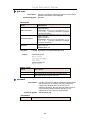
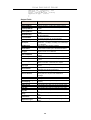
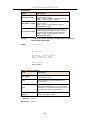
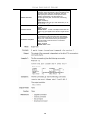
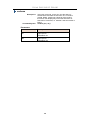
Parameters
Name
contact sys-contact
name sys-name
Location sys-location
vendor sys-vendor-info
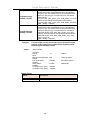
logthresh
sys-log-threshold
Description:
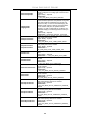
This contains the textual identification of the contact
person for this modem, together with information on
how to contact this person
Type : Optional
Valid values: String of up to 63 ASCII Characters
This specifies the name of the modem
Type : Optional
Valid values: String of up to 63 ASCII Characters
This specifies the physical location of this modem
Type : Optional
Valid values: String of up to 63 ASCII Characters
This contains the vendor-specific information
Type : Optional
Valid values: String of up to 63 ASCII Characters
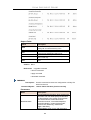
This specifies the severity level of the trap equal to
or lower than that shall be logged. 1 is the lowest
and represents critical traps.
Type: Optional
Valid values: 1-4
156