1
Chapter 5 Installation of Software and communication Parameters
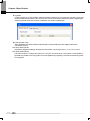
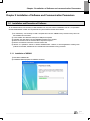
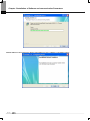
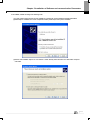
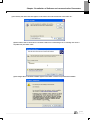
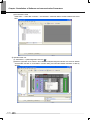
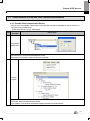
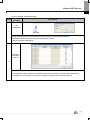
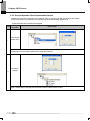
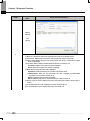
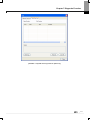
3) Click next button.
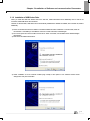
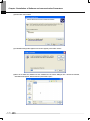
4) Insert a company‟s name and press next button.
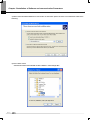
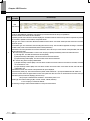
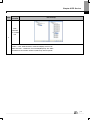
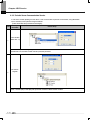
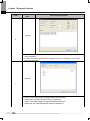
5) Designate the folder that XG5000 will be installed. If you want to change the folder, click” Index” and enter or select
new folder. As XG5000 needs installation space of 200MByte, select the disk with enough room. If the installation
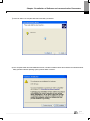
room is not enough, warning message is on and thus, it is impossible to proceed to next step.
5-2