1
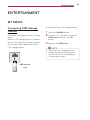
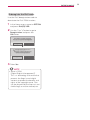
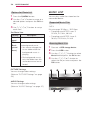
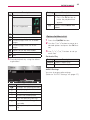
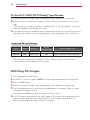
ENTERTAINMENT 23 ENTERTAINMENT MY MEDIA Connecting USB Storage Devices Connect a USB memory stick as shown below. When a USB storage device is connected, the USB adjustment screen appears. You cannot write or delete data on the USB storage device. To disconnect the USB storage device, 1 Press the Q.MENU button. 2Use the ︿ or ﹀ button to move to USB Device and press the OK button. 3Remove the USB device. NOTE yyAfter the USB storage device is disconnected, it cannot be read. Remove the USB storage device and connect it again. USB memory stick