1
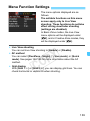
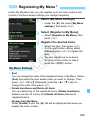
3 Menu Function Settings
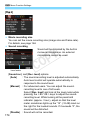
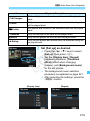
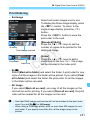
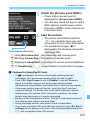
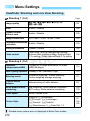
[Wind filter]
When set to [Enable], it reduces wind noise when there is wind
outdoors.
Note that [Enable] will also reduce low bass sounds, so set this
function to [Disable] when there is no wind. It will record a more
natural sound than with [Enable].
Sound is recorded at a sampling rate of 48 kHz/16-bit.
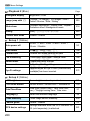
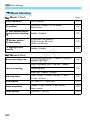
Metering timer
You can change how long the exposure setting is displayed (AE lock
time).
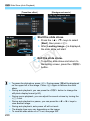
Grid display
With [Grid 1l] or [Grid 2m], you can display grid lines. You can
check horizontal or vertical tilt when shooting.
Y
P
O
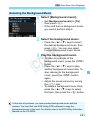
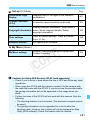
Video snapshot
You can shoot video snapshots. For details, see page 166.
C
Video system
Select [NTSC] or [PAL] to suit your TV set’s video system (p.164).
The Metering timer and Grid display settings will also be reflected in Live
View shooting.
175