1
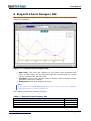
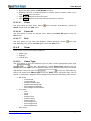
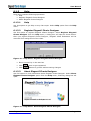
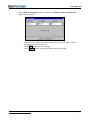
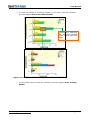
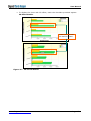
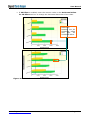
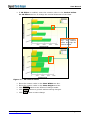
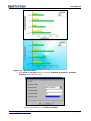
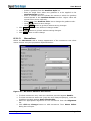
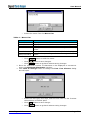
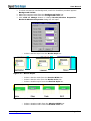
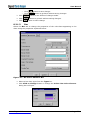
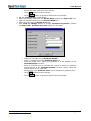
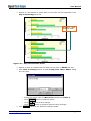
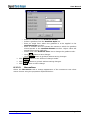
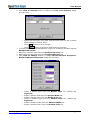
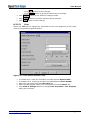
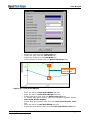
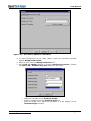
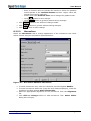
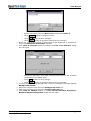
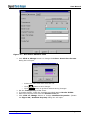
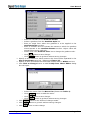
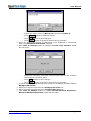
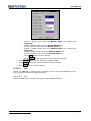
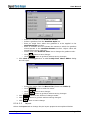
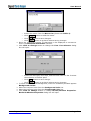
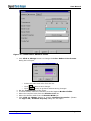
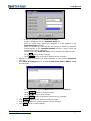
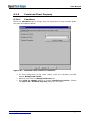
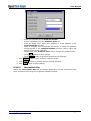
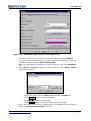
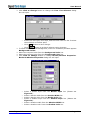
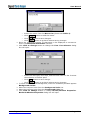
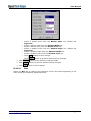
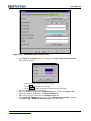
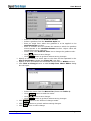
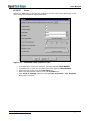
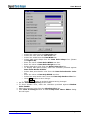
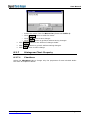
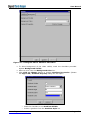
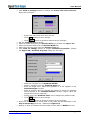
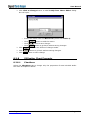
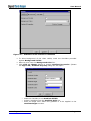
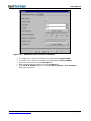
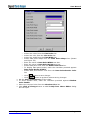
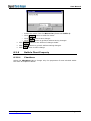
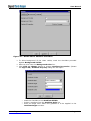
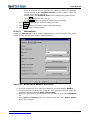
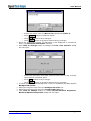
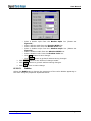
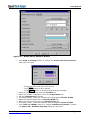
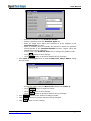
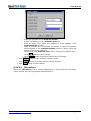
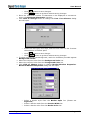
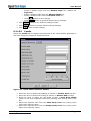
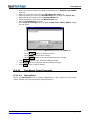
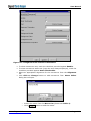
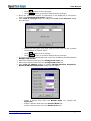
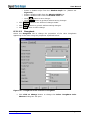
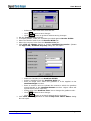
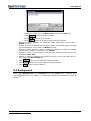
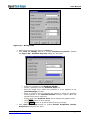
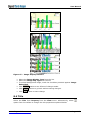
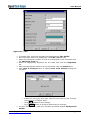
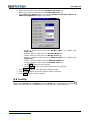
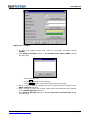
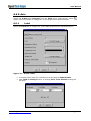
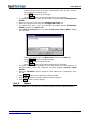
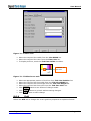
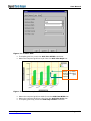
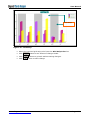
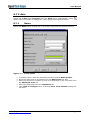
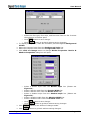
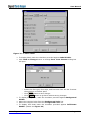
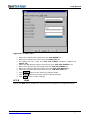
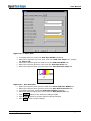
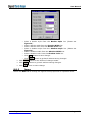
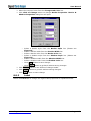
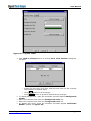
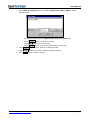
User Manual o Select the index and color from the list. o Click button to save change. o Click button to go back without saving changes. Set the Transparency of bar chart. Select the border style from the Border Style (please see Figure 31) list. Select the border width from the Border Width list. Select a color from the Border Color list. Click Click to Change button to change Gradient Properties. (Please see Figure 29). Gradient Property dialog box will open. o Mark the checkbox to set Gradient Visible. Select a gradient from the Gradient Style list. Enter an angle from where the gradient is to be applied in the Gradient Angle text box. Enter a numeric value to indicate the extent to which the gradient should spread in the Gradient Extent text box. Higher value will spread colors more uniformly. Select color from Gradient Color list to change the gradient color. o Click o Click o o o o www.ElegantJCharts.com button to save change. button to go back without saving changes. Page 56