1
5 - PROCEDURES
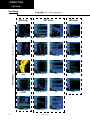
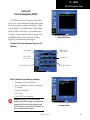
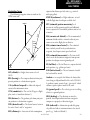
Flying the LP Approach
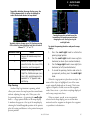
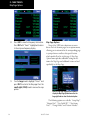
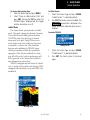
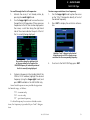
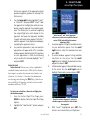
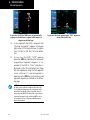
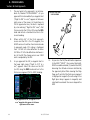
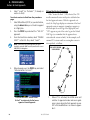
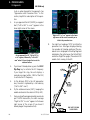
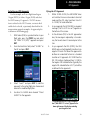
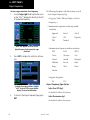
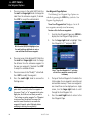
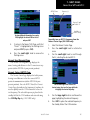
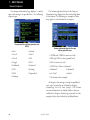
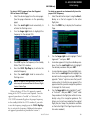
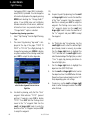
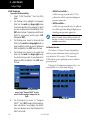
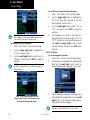
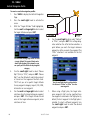
6. Capture the glideslope as you would an ILS
glideslope.
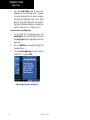
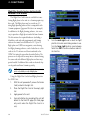
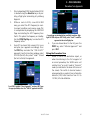
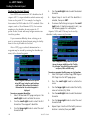
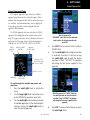
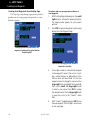
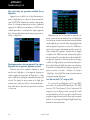
7. As you cross LOTKE, the destination sequences
to CUKEV and then the MAP (“RW31”, the
runway threshold). With the needle on the
external CDI (or HSI) centered, fly toward the
MAP, observing the altitude minimums dictated
by the approach plate.
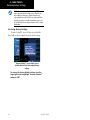
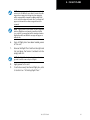
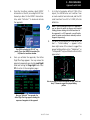
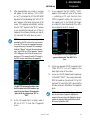
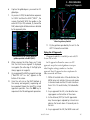
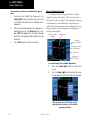
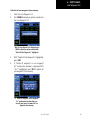
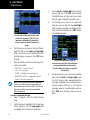
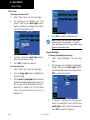
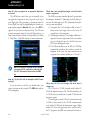
After you cross the MAP and go to the MAHP,
follow the guidance provided.
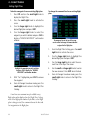
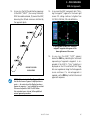
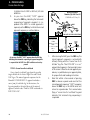
11. Fly the guidance provided by the unit to the
ARTTY intersection and hold.
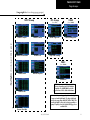
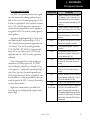
Flying the LP Approach
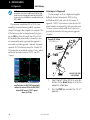
LP approach capability is available for units with SW
Version 3.30, or later.
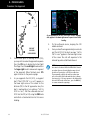
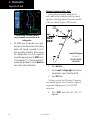
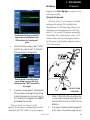
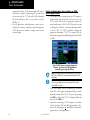
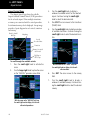
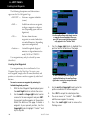
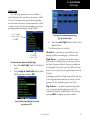
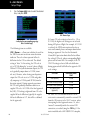
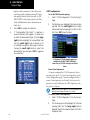
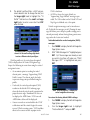
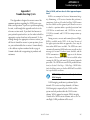
After you cross the FAF (LOTKE), follow the
guidance provided to the MAP (RW31).
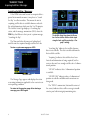
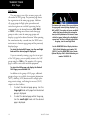
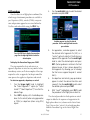
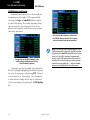
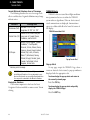
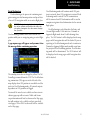
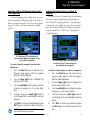
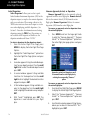
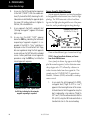
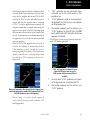
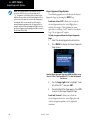
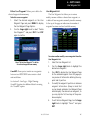
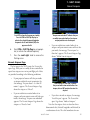
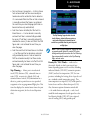
8. When viewing the Map Page, you’ll note
that the final course segment is displayed
in magenta (the active leg of the flight plan
always appears in magenta).
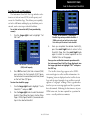
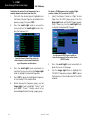
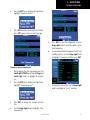
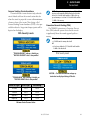
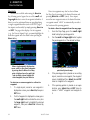
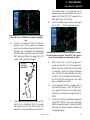
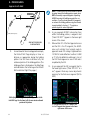
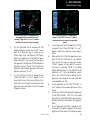
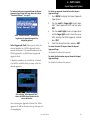
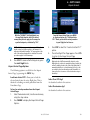
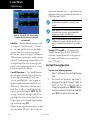
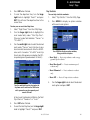
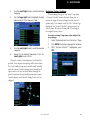
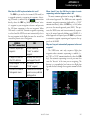
9. As you approach the MAP, a waypoint message
(“Next DTK 312° in x sec”) appears on the
bottom of the screen.
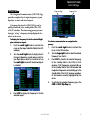
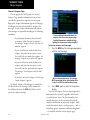
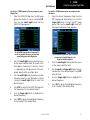
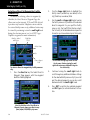
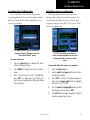
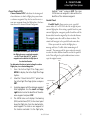
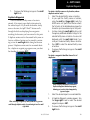
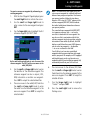
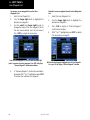
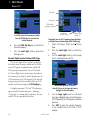
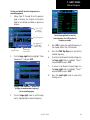
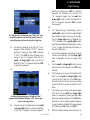
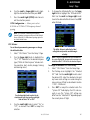
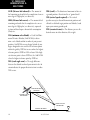
10. Once the unit crosses the MAP (defined as
the runway end waypoint), sequencing will
be suspended. Prepare the aircraft for missed
approach operation. Press the OBS key to
sequence to the Missed Approach procedure.
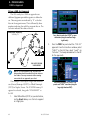
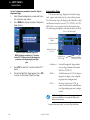
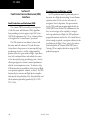
An LP approach is flown the same as an LPV
approach, except that vertical guidance is not provided. Angular scaling is similar to a localizer
approach. Most LP approaches have step down altitudes associated with them.
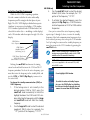
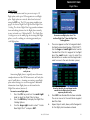
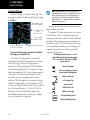
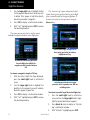
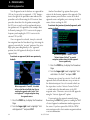
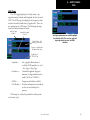
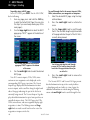
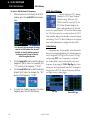
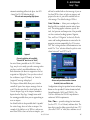
1. Within 30 nautical miles of the destination, the
500W-series unit switches from en route mode
to terminal mode and the CDI scale transitions
from 2.0 to 1.0 nautical miles, full scale deflection.
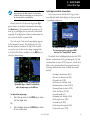
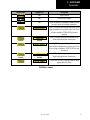
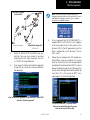
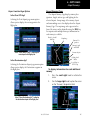
2. As you approach the IAF, a turn direction message appears on the bottom of the screen.
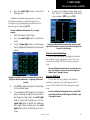
3. As the distance (DIST) to the IAF approaches
zero, the message is replaced by a time to turn
advisory that counts down 10 seconds prior to
the turn.
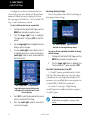
4. As you approach the FAF, the 500W-series unit
190-00357-00 Rev H
115