1
TAKEOFF TOUR
IFR Procedures
IFR Procedures
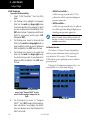
3.
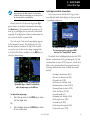
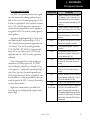
Once the direct-to or flight plan is confirmed, the
whole range of instrument procedures is available to
you. Departures (SIDs), arrivals (STARs), non-precision and precision approaches are stored within the
NavData card and available using the PROC key.
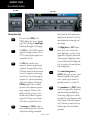
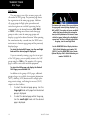
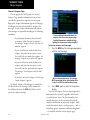
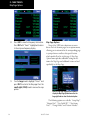
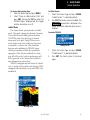
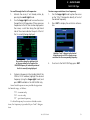
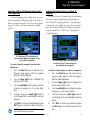
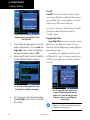
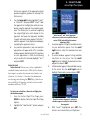
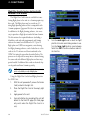
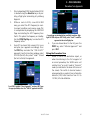
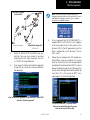
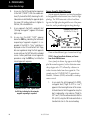
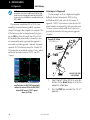
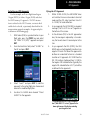
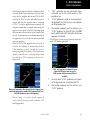
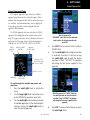
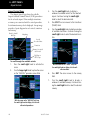
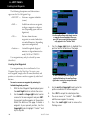
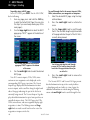
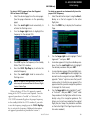
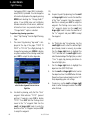
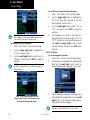
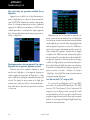
Turn the small right knob to select the desired
procedure and press ENT.
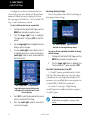
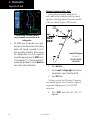
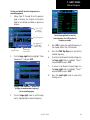
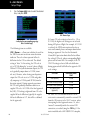
A window appears to select the desired
procedure. Use the small right knob to make
your selection.
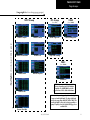
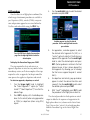
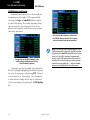
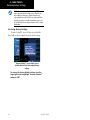
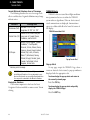
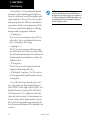
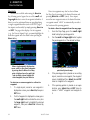
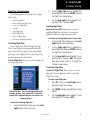
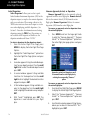
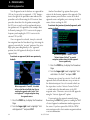
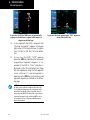
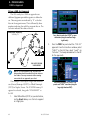
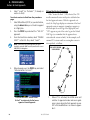
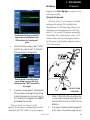
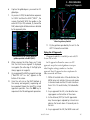
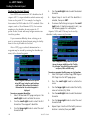
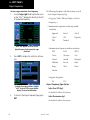
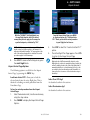
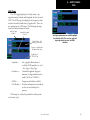
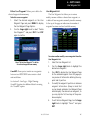
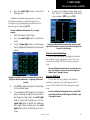
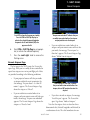
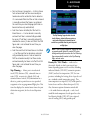
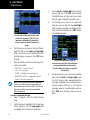
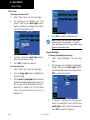
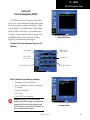
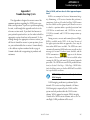
Press the PROC key to display the procedures
page. Turn the large right knob to select the
desired option.
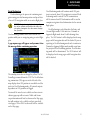
To display the Procedures Page, press PROC.
The steps required to select and activate an
approach, departure or arrival are very similar. In this
introductory section, we’ll show examples of the steps
required to select an approach, but keep in mind the
same process also applies to departures and arrivals.
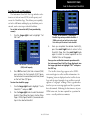
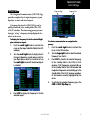
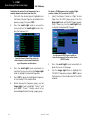
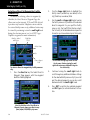
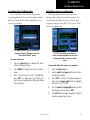
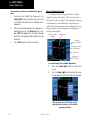
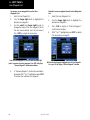
To select an approach, departure, or arrival:
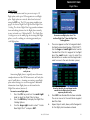
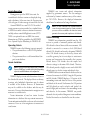
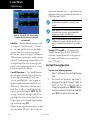
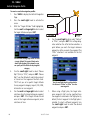
1. Turn the large right knob to highlight
the “Select Approach?” option (or “Select
Arrival?”/“Select Departure?”) from the Procedures Page.
2.Press ENT to display a list of available procedures for the arrival (when using approaches
or STARs) or departure (when using SIDs)
airport.
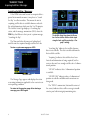
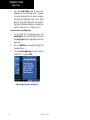
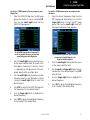
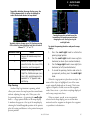
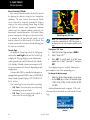
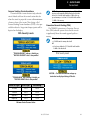
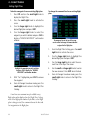
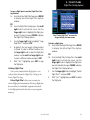
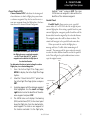
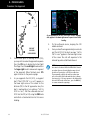
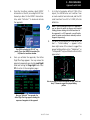
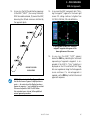
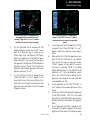
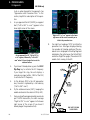
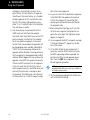
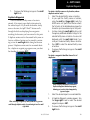
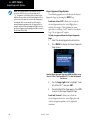
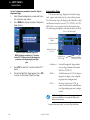
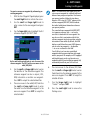
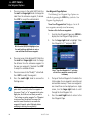
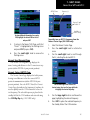
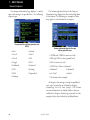
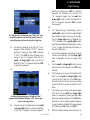
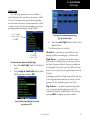
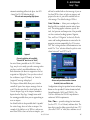
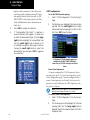
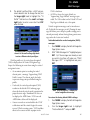
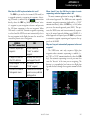
4. For approaches, a window appears to select
the desired initial approach fix (IAF) or a
“vectors” option to select just the final course
segment of the approach. Turn the small right
knob to select the desired option and press
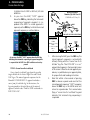
ENT. (Vectors guidance is relative to the final
inbound course. A line is drawn beyond the
final approach fix, allowing you to intercept
the final course segment beyond its normal
limits.)
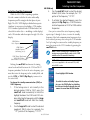
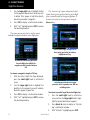
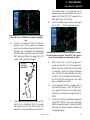
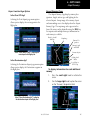
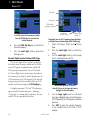
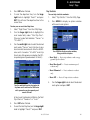
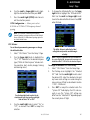
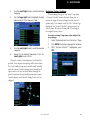
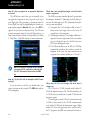
5.
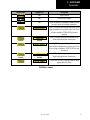
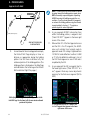
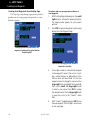
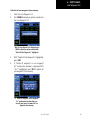
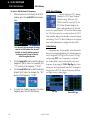
For departures and arrivals, pop-up windows
appear to select the desired transition and
runway(s). Turn the small right knob to select
the desired option and press ENT.
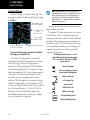
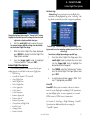
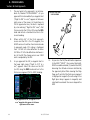
6.
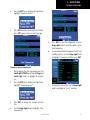
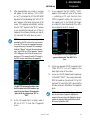
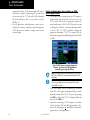
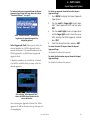
With “Load?” highlighted, press ENT to add
the procedure to the flight plan or direct-to.
The selected procedure for the departure or arrival
airport is added to the sequence of waypoints in the
flight plan or direct-to (as shown on the Active Route
Page). You can later “activate” the selected procedure
from the Procedures Page or the Active Flight Plan
Page.
190-00357-00 Rev H
17