1
Operating the Camera Using a Smartphone
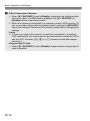
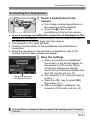
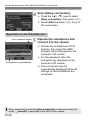
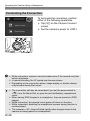
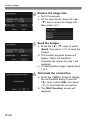
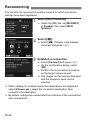
Terminating the Connection
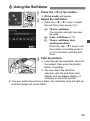
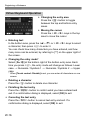
To terminate the connection, perform
either of the following operations.
Tap [t] on the Camera Connect
screen.
Set the camera’s power to <2>.
While connected, a picture cannot be taken even if the camera’s shutter
button is pressed.
In remote shooting, the AF speed may become slower.
Depending on the connection status, image display or shutter release
may become slower than usual.
The connection will also be terminated if you set the power switch to
<k>, turn the Mode Dial, or open the card slot/battery compartment
cover.
When saving RAW images to a smartphone, they are saved as JPEG
images.
While connected, the camera’s auto power off does not function.
While connected, disabling the smartphone’s power saving function is
recommended.
The camera’s <k> lamp will blink rapidly when images stored in the
camera are being saved to a smartphone.
W-28