1
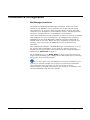
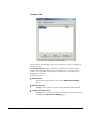
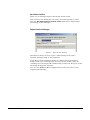
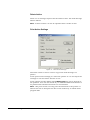
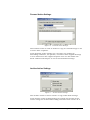
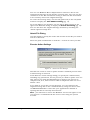
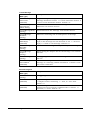
Header/Footer Action Settings
Figure 7 - Header/Footer Action Settings
The Header/Footer action is used to add text to either the start or the
end of a mail message body. Text may be added in either text/plain
format or text/html format.
In the Header/Footer action settings dialog you select which type of
text you wish to add. This will display the text addition dialog where
you enter the text data. You can use MailGate Macro Expressions to
reference data in the original mail message.
Note - If you use the text/html format you are responsible for the
html coding.
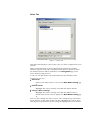
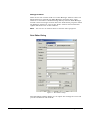
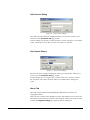
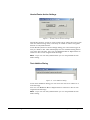
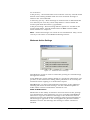
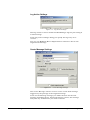
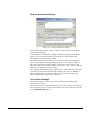
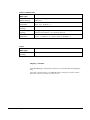
Text Addition Dialog
Figure 8 - Text Addition Dialog
In the Text Addition dialog you can enter the text to be added to a
mail message.
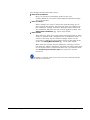
You can use MailGate Macro Expressions to reference data in the
original mail message.
Note - If you use the text/html format you are responsible for the
html coding.
MailGate Mail Manager Extension User Manual
Using the Mail Manager • 13