1
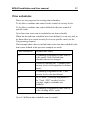
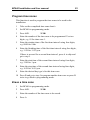
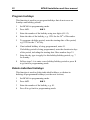
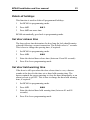
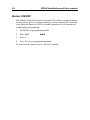
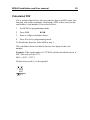
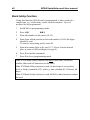
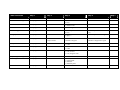
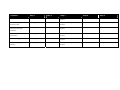
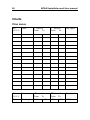
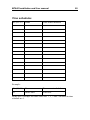
BC640 Installation and User manual 23 Program time zones This function is used to program the time zones to be used in the installation. 1 Take out the completed time zone chart/s. 2 Set BC640 to programming mode. 3 Press A31. 4 Enter the number of the time zone to be programmed. Use two digits, e.g. 01 for time zone 1. 5 Enter the starting time of the first time interval using four digits, e.g. 0800 for 8 am. 6 Enter the finishing time of the first time interval using four digits, e.g. 1159 for 11.59 p.m. z If there is no need for a second time interval, press A to skip and go to step 9. 7 Enter the start time of the second time interval using four digits, e.g. 1300 for 1 p.m. 8 Enter the stop time of the second time interval using four digits, e.g. 1659 for 16.59 p.m. 9 Enter the desired day type/s for this time zone. 10 Press B and go to step 4 to program another time zone or press B twice to go back to programming mode. Erase a time zone 1 Set BC640 to programming mode. 2 Press A31. 3 Enter the number of the time zone to be erased. 4 Press A. z