1
9938 MET/TEMP II
User’s Guide
3.6
Print Report
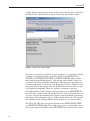
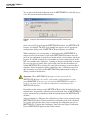
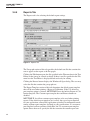
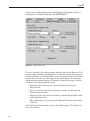
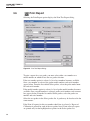
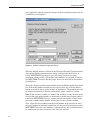
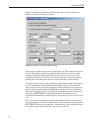
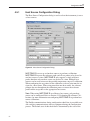
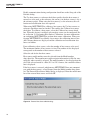
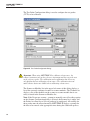
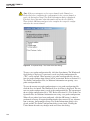
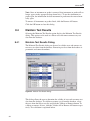
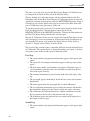
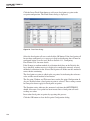
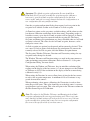
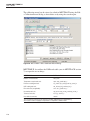
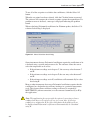
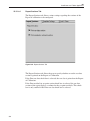
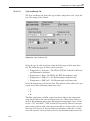
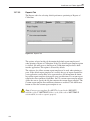
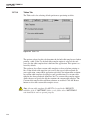
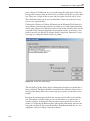
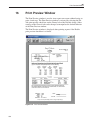
Selecting the Print Report option displays the Print Test Report dialog.
Figure 24 Print Test Report Dialog
To print a report for a test probe, you must select either a test number or a
model number on which to base the test probe selection.
If the test number option is selected, a list of test numbers becomes available.
Once a test number is selected, the probe model numbers and serial numbers
appear below. From the list entitled Select probes, select the probe model number and serial number.
If the model number option is selected, a list of probe model numbers becomes
available. Once a model number is selected, probe serial numbers and test numbers appear below. From the list entitled Select probes, select the probe test
number and serial number.
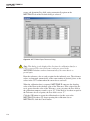
Select the test probes in the Select probes list. A probe may be deselected in the
same manner.
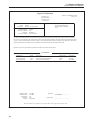
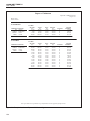
If the Print all reports for this test number check box is selected, a Report of
Calibration is printed for each of the test probes listed. If not selected, reports
are printed only for the highlighted test probes in the Select probes list.
56