1
WODE USER MANUAL
PAG 5 OF 34
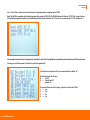
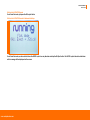
Starting up: “ WODE Loading …” screen
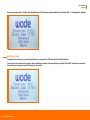
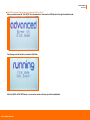
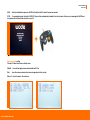
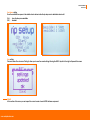
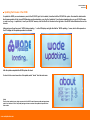
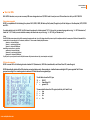
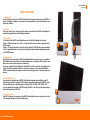
When your console is turned on, the LCD display will show the “WODE JUKEBOX loading…..” screen.
This loading screen is very important, because it confirms that the BOOT LOADER of the WODE is working and is initializing. The boot loader is a micro software
that loads the firmware of WODE or – in case the firmware is damaged – it will look for an update file to restore the firmware in the SD/SDHC card slot.
It’s important to keep in mind that the firmware update file can be uploaded to WODE only through a SD/SDHC memory card(not included), inserting the card in
the slot of the WODEVerticalStand. The SD/SDHC card’s filesystem must be either FAT16 or FAT32. The file containing the update must be named “update.bin”.
If the screen “WODE JUKEBOX loading” does not appear, please refer to the section “Troubleshooting” at the end of this manual.
www.wodejukebox.com