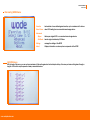
1
WODE USER MANUAL
PAG 7 OF 34
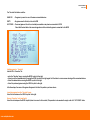
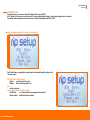
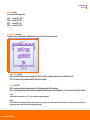
The “Favorites”slot status could be:
NAME ISO
– The game is present on one of the mass connected devices
EMPTY
– No game saved in this slot, so the slot is FREE
NOT FOUND – The saved game on this slot is not actually accessible on any device connected to WODE.
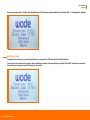
Check that the hard disk or the mass storage device that contains the game is connected to the WODE.
Adding a game to “ Favorites”
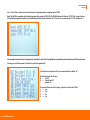
Add an ISO to “Favorites” list:
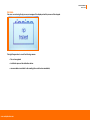
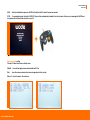
• enter the “Favorites” menu, moving the WODE-Joystick to the right.
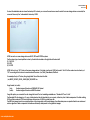
• Select one of the 8 available slots by moving the WODE-Joystick to the right again. You’ll be taken to a menu screen showing all the connected devices.
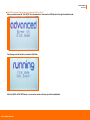
• Select the desired device moving the WODE-Joystick to the right.
• Select the preferred game moving the WODE-Joystick to the right.
After these steps, the name of the game will appear in the list at the position you have chosen.
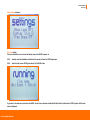
Launching a game from the “ Favorites” menu
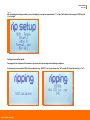
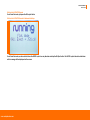
Select the slot and move the WODE-Joystick to the right.
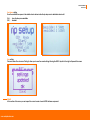
Remove “Favorites” entry from the list:
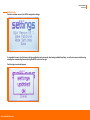
Select the slot and press the WODE-Joystick [down is incorrect in this context]. This operation is also needed to empty a slot with “ NOT FOUND” status.
www.wodejukebox.com