1
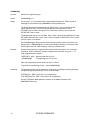
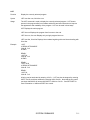
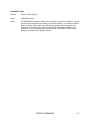
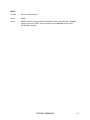
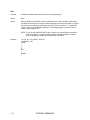
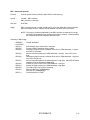
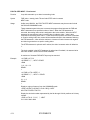
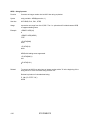
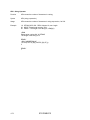
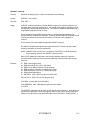
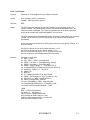
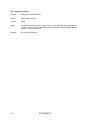
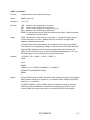
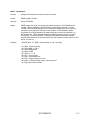
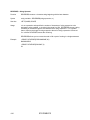
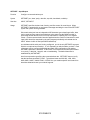
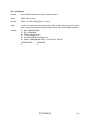
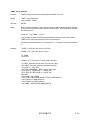
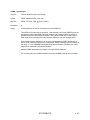
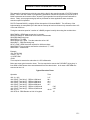
ON-GOTO - Flow Control
Function
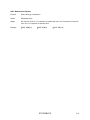
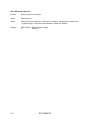
Jump to one of several possible line numbers
Syntax
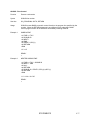
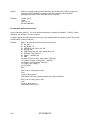
ON expression GOTO line number, line number
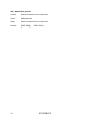
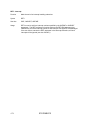
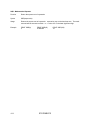
See Also
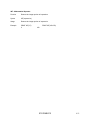
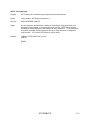
ON GOSUB
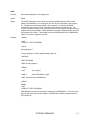
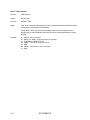
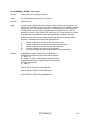
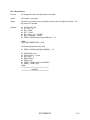
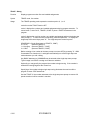
Usage
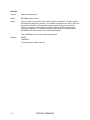
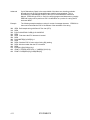
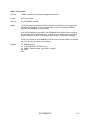
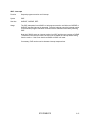
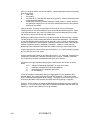
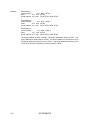
expression selects the program line number where execution will continue. If expression
evaluates to zero then execution continues at the program line specified by the first line
number in the list.
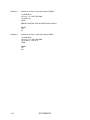
If the value of expression is greater than or equal to the number of line numbers in the
list, then the BAD SYNTAX error message will be generated.
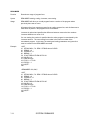
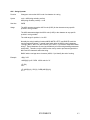
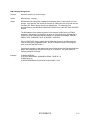
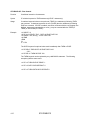
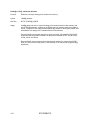
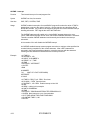
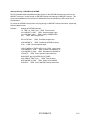
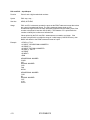
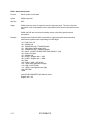
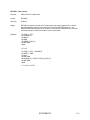
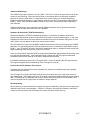
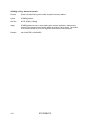
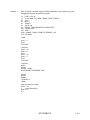
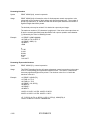
Example
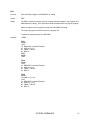
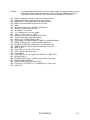
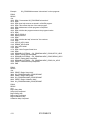
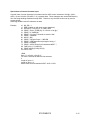
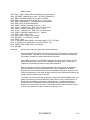
05 REM Display messages on single line display
10 FOR I = 1 TO 4
15 PRINT2 $(0) : REM Clear display and scroll
20 ON I-0 GOTO 100, 110, 120, 130
30 NEXT I
40 END
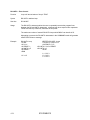
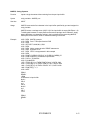
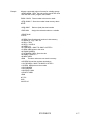
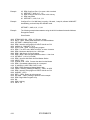
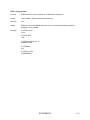
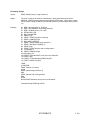
100 PRINT2 "*** Caution ***"
105 DELAY 2 : GOTO 30
110 PRINT2 "Machine Automatic Cycle Starting Now"
115 DELAY 4 : GOTO 30
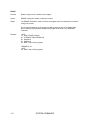
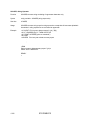
120 PRINT2 "Processing beginning on Model ",$(1)
125 DELAY 3 + LEN($(1))/10 : GOTO 30
130 PRINT2 "Depress RESET push button to cancel"
140 DELAY 3.5 : GOTO 30
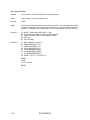
STATEMENTS
4.65