1
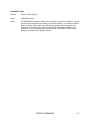
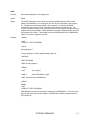
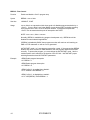
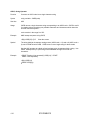
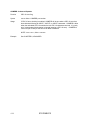
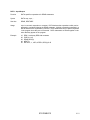
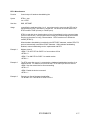
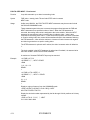
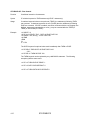
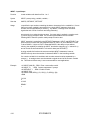
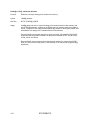
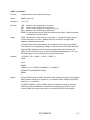
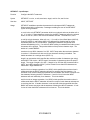
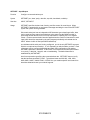
BREAK - Flow Control
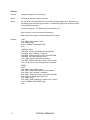
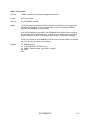
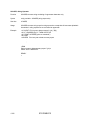
Function
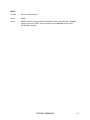
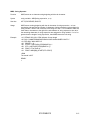
Enable and disable <Ctrl-C> program stop
Syntax
BREAK = true or false
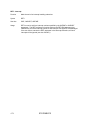
See Also
LOCKOUT, CONT
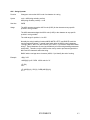
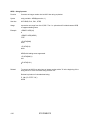
Usage
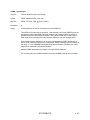
true or false is an expression which when equal to 0 disables program termination by a
<Ctrl-C>. If true or false is not 0 then BASIC checks during INPUT and after executing
each program line to see if a Ctrl-C has been entered. A program interrupted with
<Ctrl-C> can be resumed at the point of interruption with CONT.
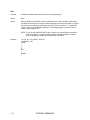
NOTE: true = zero , false = non-zero
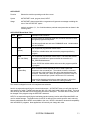
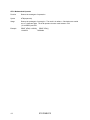
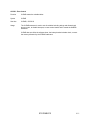
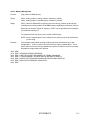
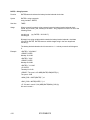
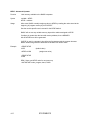
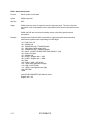
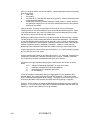
Normally, BREAK is enabled during program development only. BREAK should be
disabled for most industrial applications.
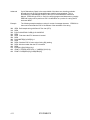
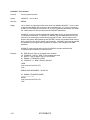
If BREAK is disabled by BASIC then program execution will continue until reaching an
END or STOP statement or until an error is generated.
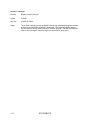
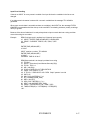
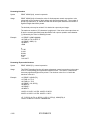
AUTOSTART mode 1 or 2 executes a program after a reset. If the program has BREAK
disable, and never executes an END statement, then the program cannot be accessed
normally. To access the program, you must change the AUTOSTART mode. See the
module specific user's manual for the location of the CLR ALL / AUTOSTART jumper
which bypasses the stored AUTOSTART parameters.
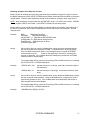
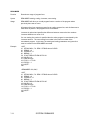
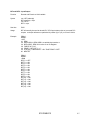
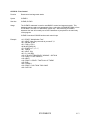
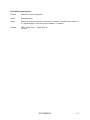
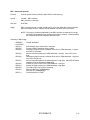
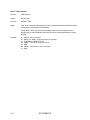
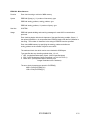
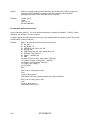
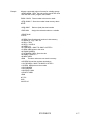
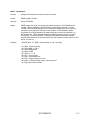
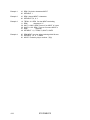
Example
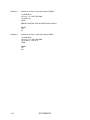
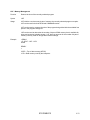
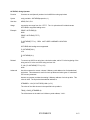
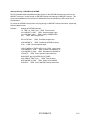
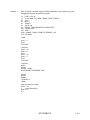
>REM Enable program interruption
>10 BREAK = 1
>REM Disable program interruption
>10 BREAK = 0
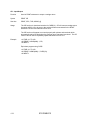
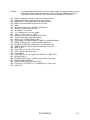
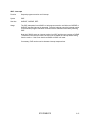
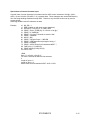
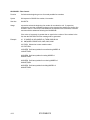
>REM If <Ctrl-C> is enabled then disable it
>10 IF BREAK THEN BREAK = 0
>REM If <Ctrl-C> is disabled then enable it
>10 IF NOT(BREAK) THEN BREAK = 1
4.6
STATEMENTS