1
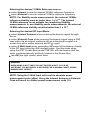
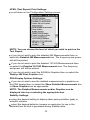
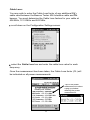
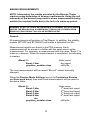
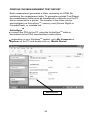
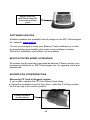
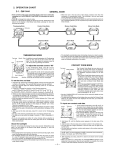
Gently, pull top cap away from PDA body, then grasp CF Card and
pull out of CF slot. Disconnect RF cable from CF card by gently pulling
blue cable directly out of CF card connector.
Inserting CF Card in Rugged version:
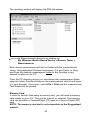
Connect blue RF cable to CF card connector. Place CF card into CF
slot in PDA. Ensure it is properly seated (PDA will turn on).
Ensure top cap locking screws are rotated to the unlock position.
Tuck blue cable into top end of cap, then install top cap onto PDA body
ensuring the cable is not pinched.
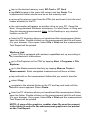
Using the screwdriver end of the stylus, rotate locking screws to the
lock position.
Stability Mode Measurements using Rugged version:
The top cap must be removed when doing stability measurements in
order to connect the required stable 10MHz reference signal.
Using the screwdriver end of the stylus, rotate the 2 locking screws
on the top cap to the unlock position.
Gently, pull top cap away from PDA body, then grasp CF Card and
pull out of CF slot. Disconnect RF cable from CF card by gently pulling
the blue cable directly out of CF card connector.
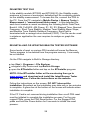
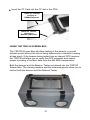
Connect the REF Cable (p/n 130-008) to the REF Input on the CF
Card.
Connect the RF cable (p/n 130-019) to the 406 Input on the CF Card.
(If you are using a direct connection between the Beacon-under-test
and the Tester.)
30