1
Palm-Tech Inspector
Detailed Operating Instructions
will occur in the printout, and the category name and the word “Continued”
will appear at the top of the next page. Because a page break does not appear
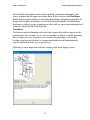
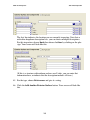
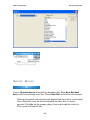
on the input screen, you will need to select Tools→Delete Line from the menu
to delete a page break. When you choose this, the program will ask you which
line you want to delete, then verify that you are sure that you want to delete
that line. This function works the same way for the other lines as well.
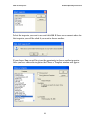
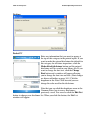
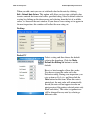
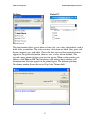
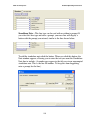
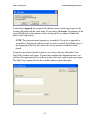
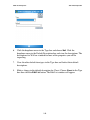
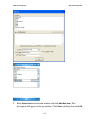
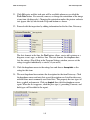
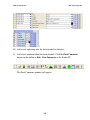
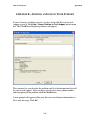
Signature Line—You can add a signature to your report with the Signature
Line options. The checkbox also allows you to add the date. When you choose
the Signature Line option you will be asked for a screen and a print prompt, if
the print prompt is different. Enter the prompt you want and indicate where
you want it to appear. Click Finish. The prompt will appear as a button on the
window.
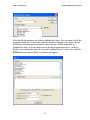
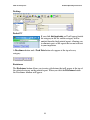
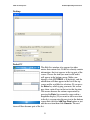
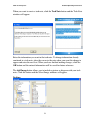
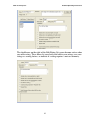
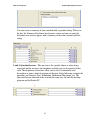
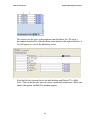
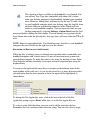
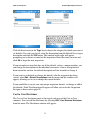
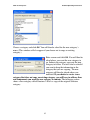
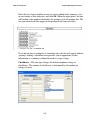
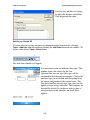
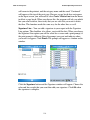
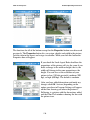
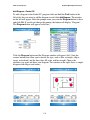
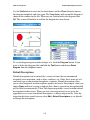
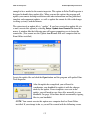
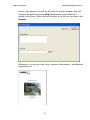
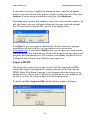
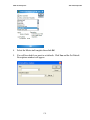
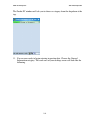
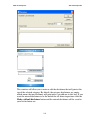
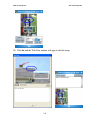
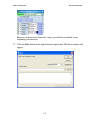
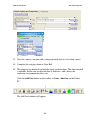
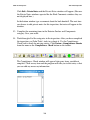
Click the Signature button and the Signature window will appear. Choose the
color and line weight that you want then add your signature. Click OK when
the signature is complete.
114