1
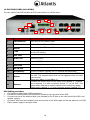
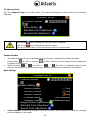
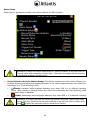
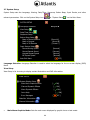
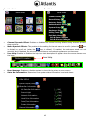
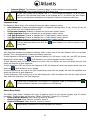
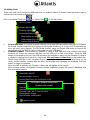
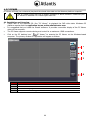
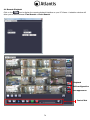
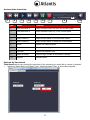
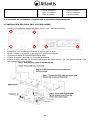
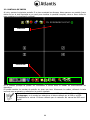
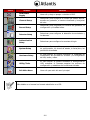
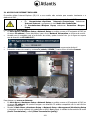
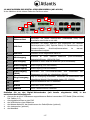
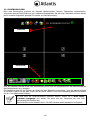
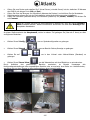
4. PC VIEWER PC Viewer will help you review and play back the stored video data on the Windows platform computer. The PC Viewer works best with a display resolution of above 800x600. Please set your PC monitor’s resolution to a value higher than this. 4.1 Installation and Overview Please refer to the attached CD. Run “PC Viewer” to playback the DVR video data. Windows OS platform requires that the application be run as the administrator user. It is suggested that you install the DirectX software. It provides a smoother display of the PC Viewer video on the computer. The PC Viewer supports remote viewing and control for a maximum 4 DVR connections. Click on the PC desktop icon “ PC Viewer” to execute the PC Viewer on the Windows-based computer. The primary window for application will appear as follows: 1 2 3 4 No. 1 2 3 4 Function Opens the DVR connection window Indicates the name of the DVR connections Selects the language for the PC Viewer Closes the PC Viewer application 66