1
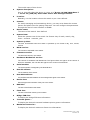
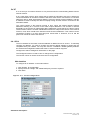
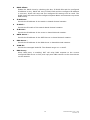
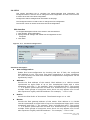
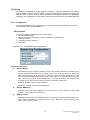
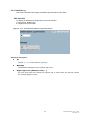
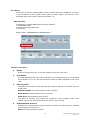
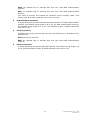
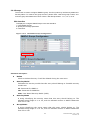
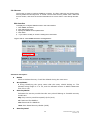
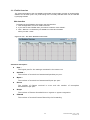
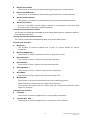
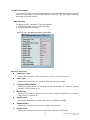
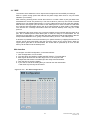
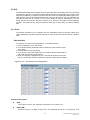
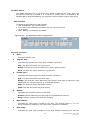
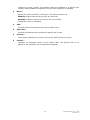
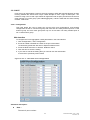
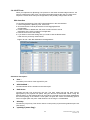
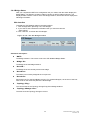
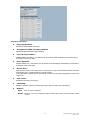
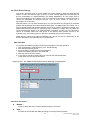
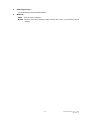
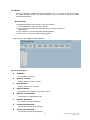
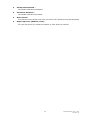
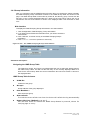
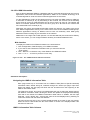
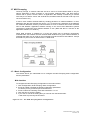
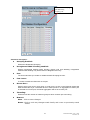
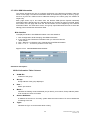
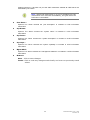
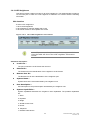
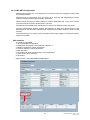
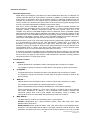
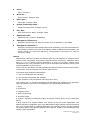
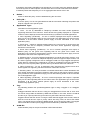
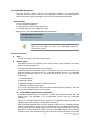
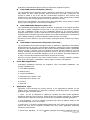
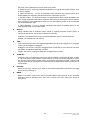
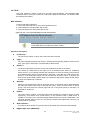
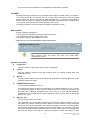
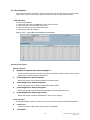
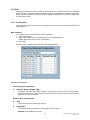
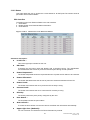
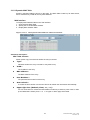
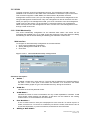
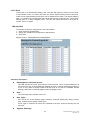
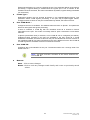
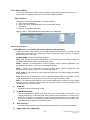
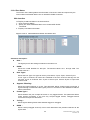
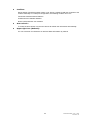
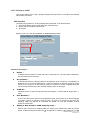
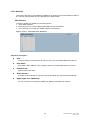
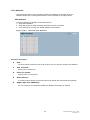
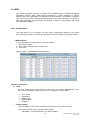
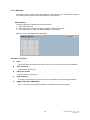
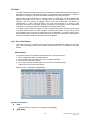
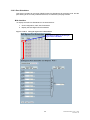
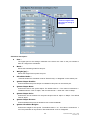
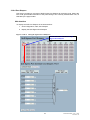
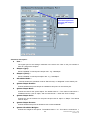
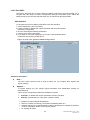
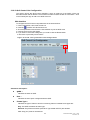
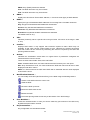
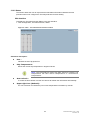
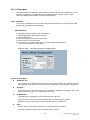
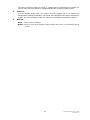
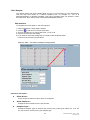
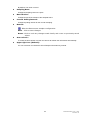
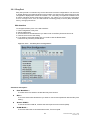
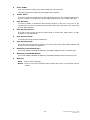
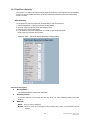
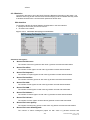
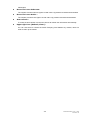
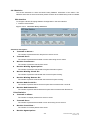
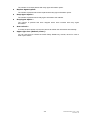
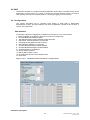
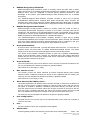
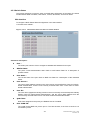
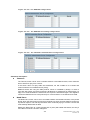
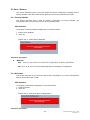
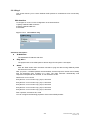
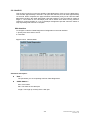
DSCP: If a frame matches the QCE then DSCP will be classified with the value displayed under DSCP column. Conflict : Displays QCE status. It may happen that resources required to add a QCE may not available, in that case it shows conflict status as 'Yes', otherwise it is always 'No'.Please note that conflict can be resolved by releaseing the resource required by the QCE and pressing 'Refresh' button. Auto-refresh : To evoke the auto-refresh icon then the device will refresh the information automatically. Resolve Conflict : Click it to resolve the confict issue. Upper right icon (Refresh): You can click them for refresh the QCL information by manual. 178 Publication date: Nov., 2011 Revision A1