1
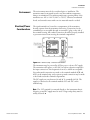
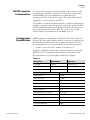
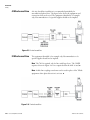
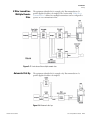
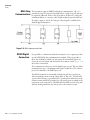
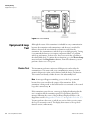
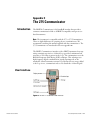
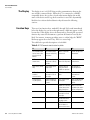
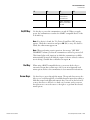
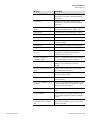
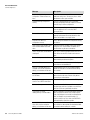
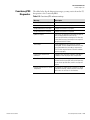
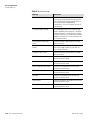
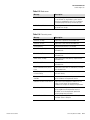
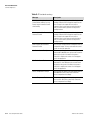
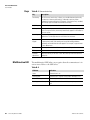
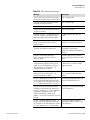
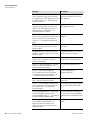
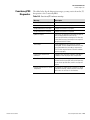
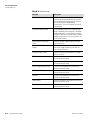
The 275 Communicator User Interface F1 F2 F3 F4 SAVE: Save information to communicator SEND: Send data to device or mark data to send On/Off Key Use this key to power the communicator on and off. When you apply power, the communicator searches for a HART-compatible device on the 4–20 mA loop. Note If no device is found, the "No Device Found Press OK" message appears. Check the connections and press OK (F4) to retry. If a device is found, the online menu appears. Note When performing certain operations, the message "OFF KEY DISABLED” informs you that the communicator cannot be powered off. This feature helps avoid situations in which the communicator could be unintentionally powered off while the output of a device is fixed or when a user is editing a variable that could affect an output. Hot Key Arrow Keys Thermo Fisher Scientific When using a HART-compatible device, you can use the hot key to customize a menu that contains up to 20 of your most frequently used menu options. Refer to the communicator’s user manual for instructions. Use these keys to move through the menus. The up and down arrows also allow you to scroll through lists of available character input when editing a field that accepts both alpha and numeric data. You can use the left arrow to move the cursor to the left or to back out of a menu, and you can use the right arrow to move the cursor to the right or to perform the selected menu options. ConsistencyPRO User Guide C-3