1
Users Manual
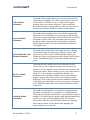
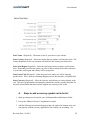
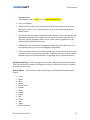
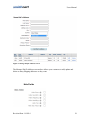
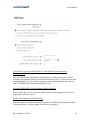
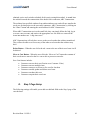
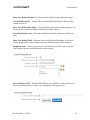
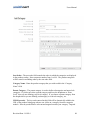
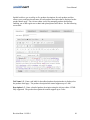
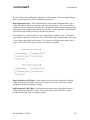
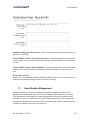
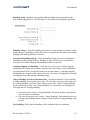
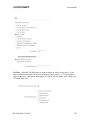
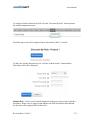
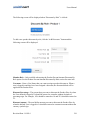
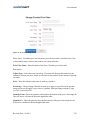
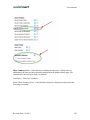
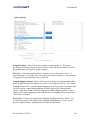
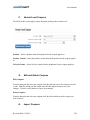
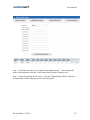
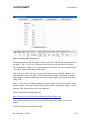
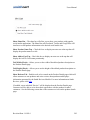
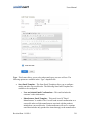
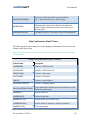
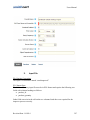
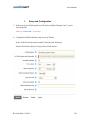
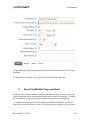
Listbox Text – The Listbox Text is the text that is displayed in the custom list box
displayed on the confirmation page.
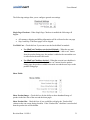
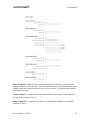
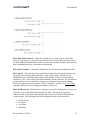
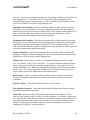
Show Checkbox - When the show checkbox is checked, a checkbox will be displayed on
the confirmation page of the cart checkout. The checkbox is useful for opt in marketing
like adding a user to your email list or can be used to require the user agree to the terms
and conditions displayed in the list box described above.
Checkbox Label – The checkbox label is the label that shows up next to the checkbox
described above.
Checkbox Required – Check this box if you want to make the checkbox required before
the user can check out and make payment.
M.
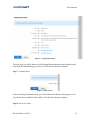
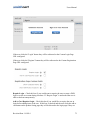
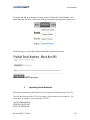
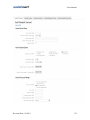
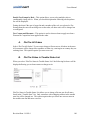
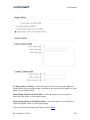
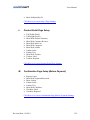
Confirmation Status (After Payment) Page Setup
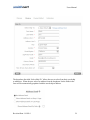
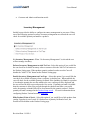
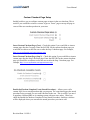
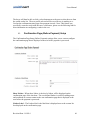
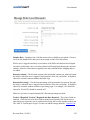
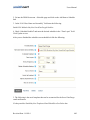
The Confirmation Status Page Setup (After Payment) settings allow you to custom
configure the confirmation status page that is displayed to the user after payment is
processed.
Revision Date: 1/6/2014
67