1
ADMINISTRATION
CENTER
2.0
eMPATHY ANALYTICAL
INTERFACE
FUNCTIONALUSER
SPECIFICATIONS
MANUAL
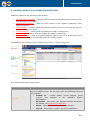
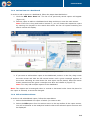
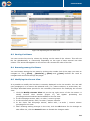
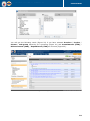
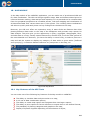
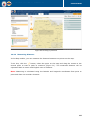
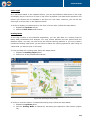
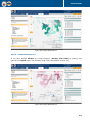
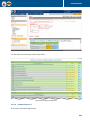
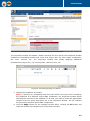
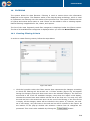
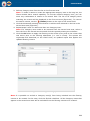
Figure 37: Viewing the Data Displayed on the Map
Also, you can view information on unspecified and unallocated projects that do not have any
territorial unit reference. To view data on these projects, click the respective Unspecified or
Unallocated section.
Note: Clicking the View Details link at the bottom of the information window will take you
to the Details section of the application. For more information about the actions that can be
taken in this section, see DETAILS SECTION.
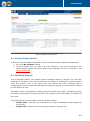
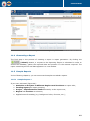
10.5 Sample Map Reports
In the following chapters, you can see several samples on map reports.
10.5.1 Sample Map Report 1
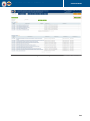
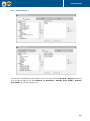
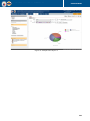
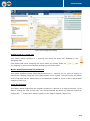
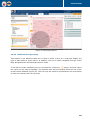
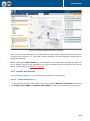
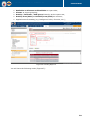
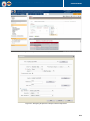
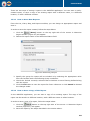
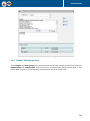
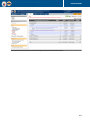
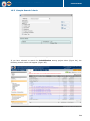
You will get the following map report if you have selected Number of Activities as scaling
and Project Cost (USD) and Activity Cost (USD) as map chart constituents (Figure 38):
52


![Section VII - Technical Specifications [ 920 KB]](http://vs1.manualzilla.com/store/data/005668651_1-8dca2c6e1104d59f56f239e80ee70ed9-150x150.png)