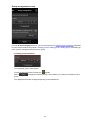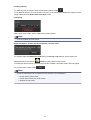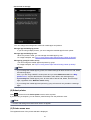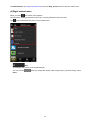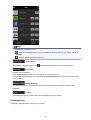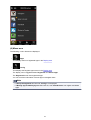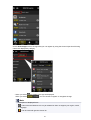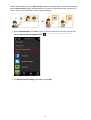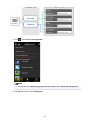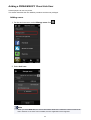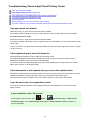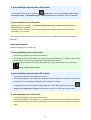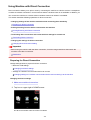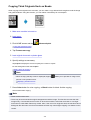
1
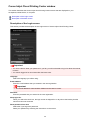
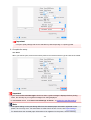
Note
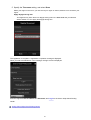
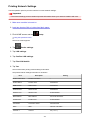
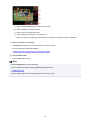
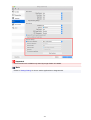
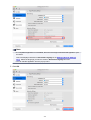
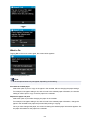
• The password has been specified to the machine serial number at the time of purchase.
Checking the serial number is not required if you have already changed to any password.
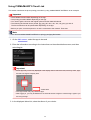
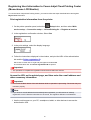
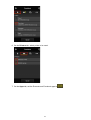
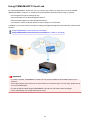
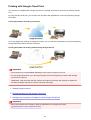
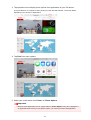
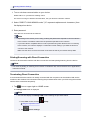
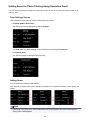
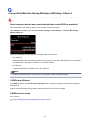
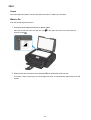
2. Open web browser on your smartphone, tablet, or computer and enter IP address.
Enter as following in the URL field of the web browser.
http://XXX.XX.X.XXX
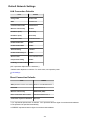
For "XXX.XX.X.XXX", enter the IP address that you checked in the "IP Address" column on the network
setting information sheet.
When you access, the printer information will be displayed on the web browser on your smartphone,
tablet, or computer.
If you want to check the printer status and change the printer settings, proceed to the next step. If you do
not, close the web browser.
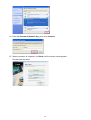
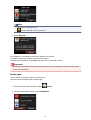
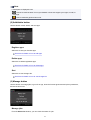
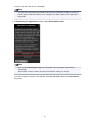
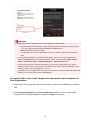
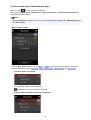
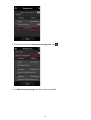
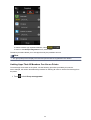
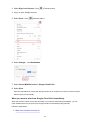
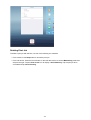
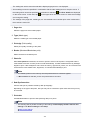
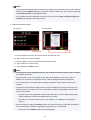
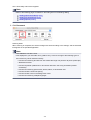
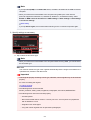
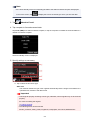
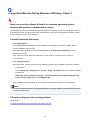
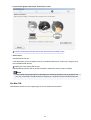
3. Select Log on to check printer status and change printer settings.
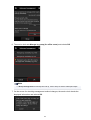
The Admin password authentication screen is displayed.
Important
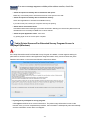
• Before the Admin password authentication screen is displayed, a message to warn you that the
identification information is not verified may be displayed.
You can set not to display a message by specifying the SSL/TLS settings of certificate for
encrypted communication in step 5.
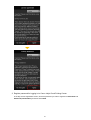
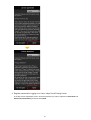
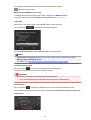
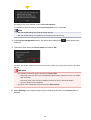
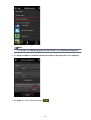
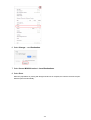
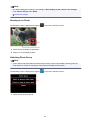
4. Enter password.
The password is specified to the machine serial number at the time of purchase. If you have not changed
the password yet, enter the machine serial number that is printed on the "Serial Number" column of the
network setting information sheet.
When the password authentication is complete, the menus that can be utilized are displayed on the web
browser.
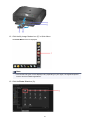
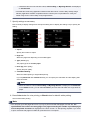
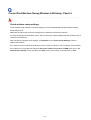
5. Check printer status and change printer settings.
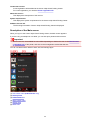
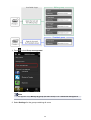
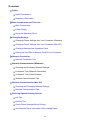
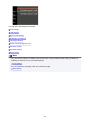
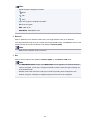
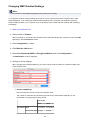
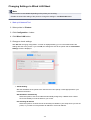
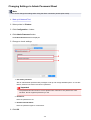
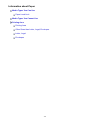
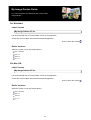
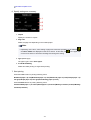
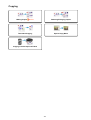
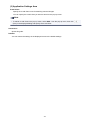
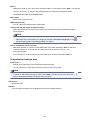
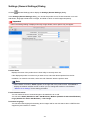
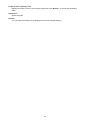
You can utilize the following menus.
154