1
Opening the Canon IJ Printer Utility
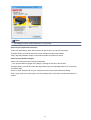
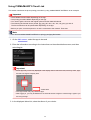
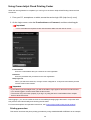
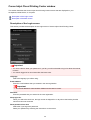
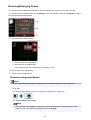
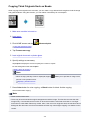
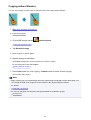
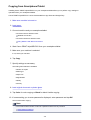
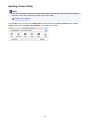
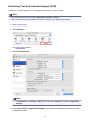
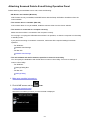
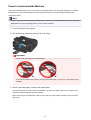
To open the Canon IJ Printer Utility, follow the steps below.
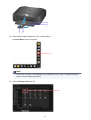
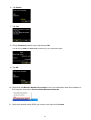
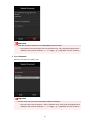
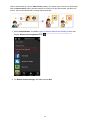
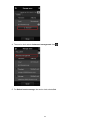
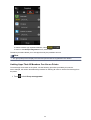
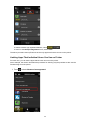
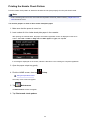
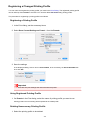
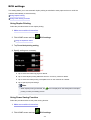
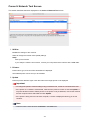
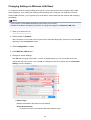
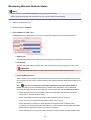
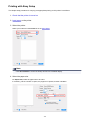
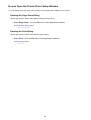
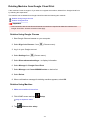
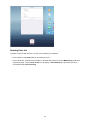
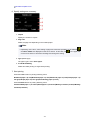
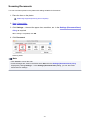
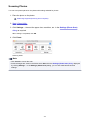
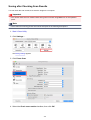
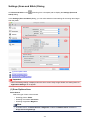
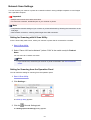
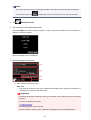
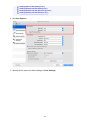
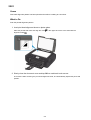
1. Open System Preferences, and select Printers & Scanners (Print & Scan)
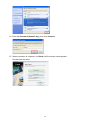
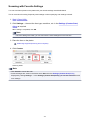
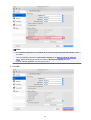
2. Start the Canon IJ Printer Utility
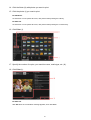
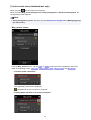
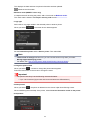
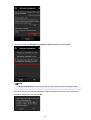
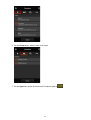
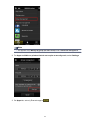
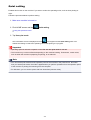
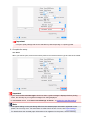
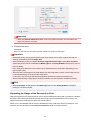
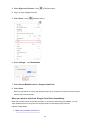
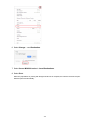
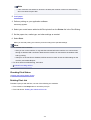
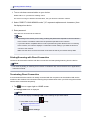
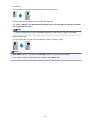
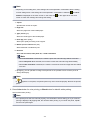
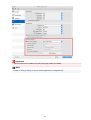
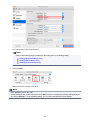
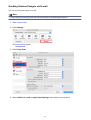
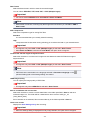
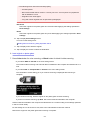
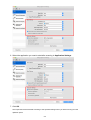
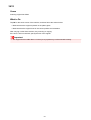
Select your model from the printer list, and click Options & Supplies....
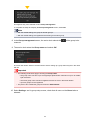
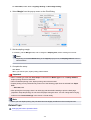
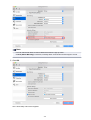
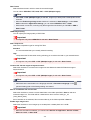
Click Open Printer Utility in Utility tab.
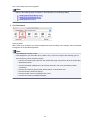
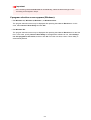
Canon IJ Printer Utility is launched.
409