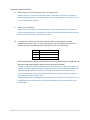
1
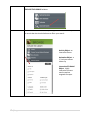
Keyword Search Button
Step
1
Action
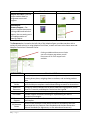
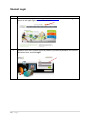
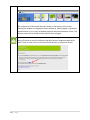
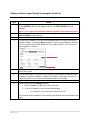
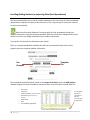
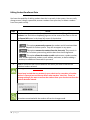
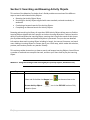
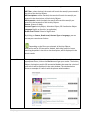
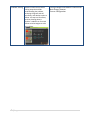
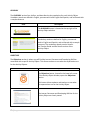
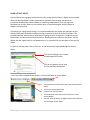
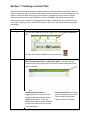
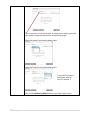
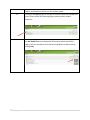
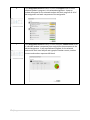
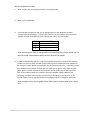
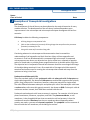
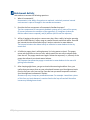
The keyword search field, located in the upper right corner on My Adaptive
Space, is a quick and easy way to find the Activity Objects, Animations
and/or Interactive 3D Models that address the content you are teaching.
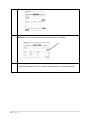
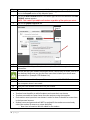
2
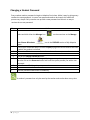
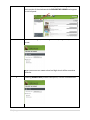
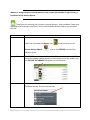
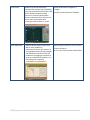
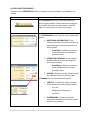
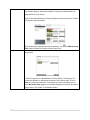
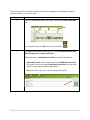
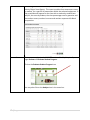
Type in a keyword or phrase that is associated with your instructional
objective.
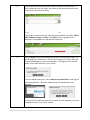
3
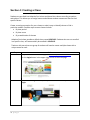
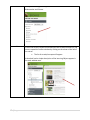
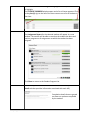
Click on the magnifying glass icon to initiate the search.
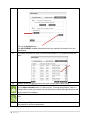
4
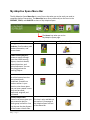
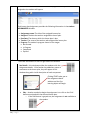
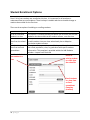
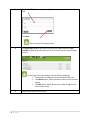
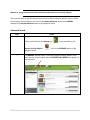
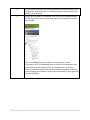
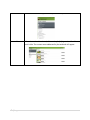
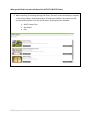
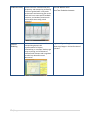
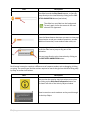
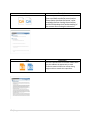
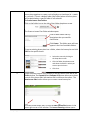
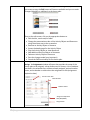
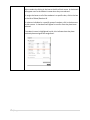
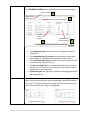
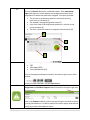
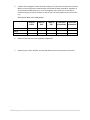
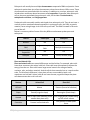
The Activity Objects, Animations and/or 3D Interactive Models that meet
the criteria of your search will be displayed in the main window. The
window below shows an example of a search with the phrase mixed
numbers.
37 | P a g e