1
SuperDVR & TD Series Cards
80
connects to Internet or the same LAN network, input the SuperDVR server
address in IE browser, the end users can get high quality real time image from
the server and also control the P.T.Z devices.
Remote Surveillance Server Configuration
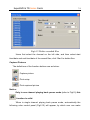
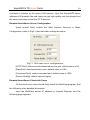
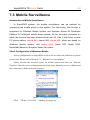
Users should firstly enable the Web Camera Services in Basic
Configuration (refer to Fig4.1) and set other settings as below:
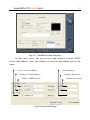
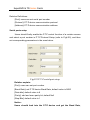
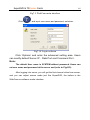
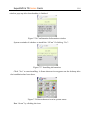
Fig7.1 Web cam server configuration
[HTTP Port]: Web service & download service port, default value is 80
[Data Port]: data transmission port, default value is 1159
[Command Port]: control command port, default value is 1259
[Picture Quality]: default value is higher
Remote Surveillance Client-side Setup
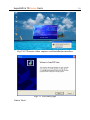
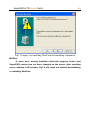
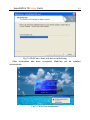
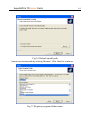
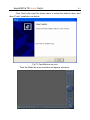
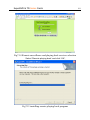
On the client-side, users should firstly install the WebCam program. And
the following is the detailed information.
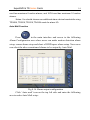
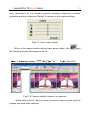
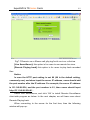
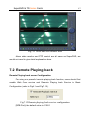
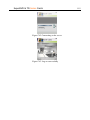
Input the WebCam server IP address in Internet Explorer and the
following page appears: