1
SEEnergy
User’s Manual
Network Video Recorder
3.2.2 OSD Settings
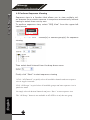
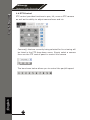
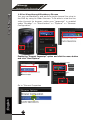
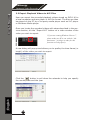
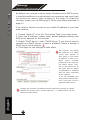
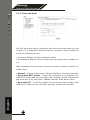
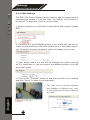
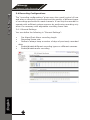
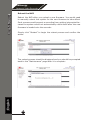
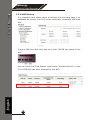
The OSD (On Screen Display) allows users to add informational text
message and embed it onto the video. By default, this function is
turned off. To add texts to one or more videos,
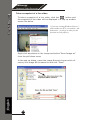
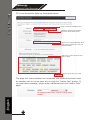
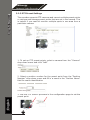
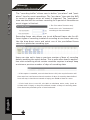
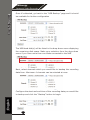
1. Select a camera you would like to add text to and choose “Display
OSD”
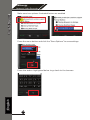
2. Choose one or more display options if you would also like the recorder to automatically embed the system time or the frame rate for
you. Or simply choose to display a custom message of your own
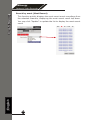
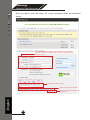
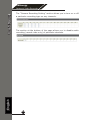
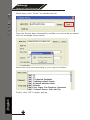
3. Next, define where the text will be displayed by either entering
an X/Y coordinate or use the system pre-defined position from the
drop-down menu
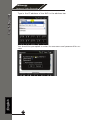
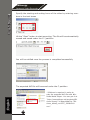
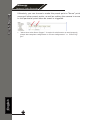
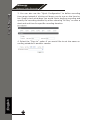
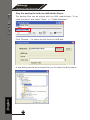
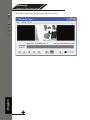
4. Click on the “Preview” button to see the preview of your setting
and click “Apply” to save the configuration
English
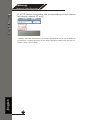
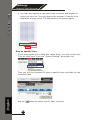
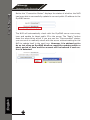
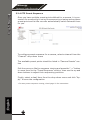
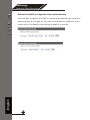
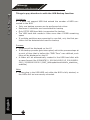
• The texts can be further adjusted
with changes to different size, color
or font so they can be more visible on
the video
63