1
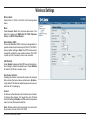
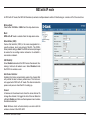
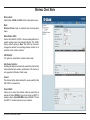
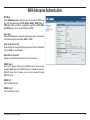
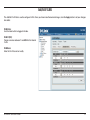
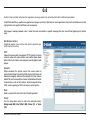
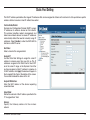
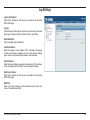
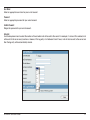
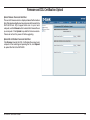
Wireless Client Mode
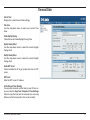
Wireless Band:
Select either 2.4GHz or 5GHz from the drop-down menu.
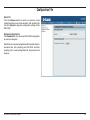
Mode:
Wireless Client mode is selected from the drop-down
menu.
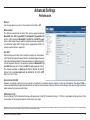
Network Name (SSID):
Service Set Identifier (SSID) is the name designated for a
specific wireless local area network (WLAN). The SSID’s
factory default setting is dlink. The SSID can be easily
changed to connect to an existing wireless network or to
establish a new wireless network.
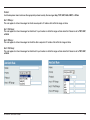
SSID Visibility:
This option is unavailable in wireless client mode.
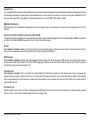
Auto Channel Selection:
Enabling this feature automatically selects the channel that
will provide the best wireless performance. This feature is
not supported in Wireless Client mode.
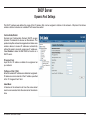
Channel:
The channel will be determined by the access point that the
DAP-3520 is connected to.
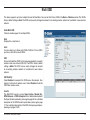
Channel Width:
Allows you to select the channel width you would like to
operate in. Select 20 MHz if you are not using any 802.11n
wireless clients. Auto 20/40 MHz allows both 802.11n and
non-802.11n wireless devices on your network.
D-Link DAP-3520 User Manual
17