1
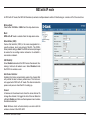
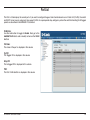
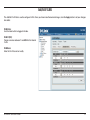
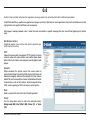
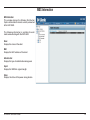
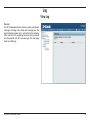
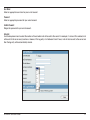
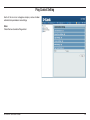
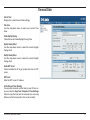
Port List
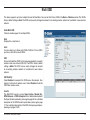
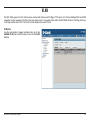
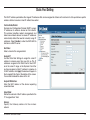
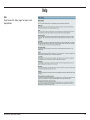
The Port List tab displays the current ports. If you want to configure the guest and internal networks on a Virtual LAN (VLAN), the switch
and DHCP server you are using must also support VLANs. As a prerequisite step, configure a port on the switch for handling VLAN tagged
packets as described in the IEEE 802.1Q standard.
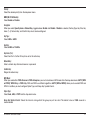
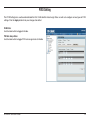
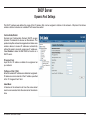
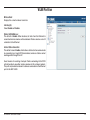
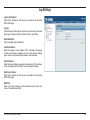
VLAN Status:
Use the radio button to toggle to Enable. Next, go to the
Add/Edit VLAN tab to add or modify an item on the VLAN
List tab.
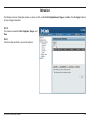
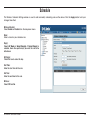
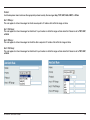
Port Name:
The name of the port is displayed in this column.
Tag VID:
The Tagged VID is displayed in this column.
Untag VID:
The Untagged VID is displayed in this column.
PVID:
The Port VLAN Identifier is displayed in this column.
D-Link DAP-3520 User Manual
30