1
Use
The predefined cooking
parameters can be changed at
any time, even after cooking has
started.
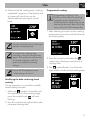
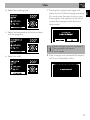
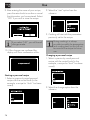
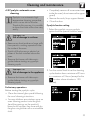
7. A message will indicate when to place
the food in the oven and enable the start
of cooking.
It is not recommended to place the
dish in the oven during the
automatic pre-heat stage. Wait for
the specific message.
3. Press the return knob to exit and finish the
program.
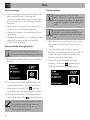
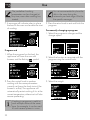
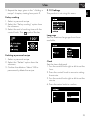
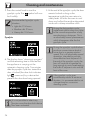
Permanently changing a program
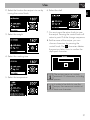
1. Select the program to change and the
change option.
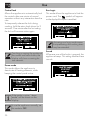
Program end
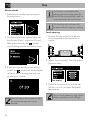
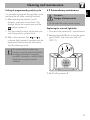
1. When the program has finished, the
appliance will warn the user with
symbol.
buzzers and the flashing
2. Press the control knob to perform
cooking with the same parameters
currently set (press the knob twice if the
buzzer is active). The appliance will
automatically restart cooking if it is at the
correct temperature; otherwise it will also
resume preheating.
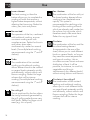
Cooking in sequence is useful to
cook multiple dishes of the same
type. For example, it can be used
to cook several pizzas in a row.
22
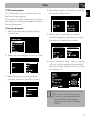
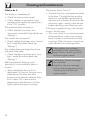
2. Select the function to associate with the
program using the control knob.
3. Select the weight