1
Configuring Client Settings
Configuring System Settings
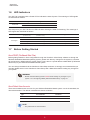
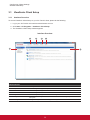
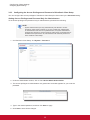
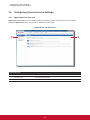
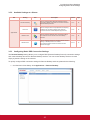
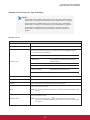
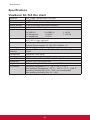
3.2.2 Available Settings at a Glance
Tab
Setting
Password
Firmware Update
Icon
Description
Section
Page
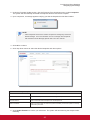
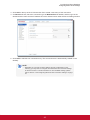
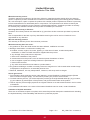
Click to configure the access privileges of ViewSonic
Client Setup for client users.
3.2.3
18
Click to configure settings for remote assistance.
3.2.4
19
Click to update firmware locally with the help of a
remote server. This feature is only applicable when
the client is managed by the ViewSonic Device
Manager software.
3.2.5
21
3.2.6
23
3.2.7
24
3.2.8
27
System
Snapshot
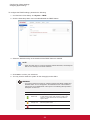
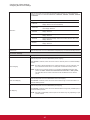
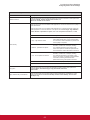
Click to take a snapshot (system backup at a specific
point of time) for the client, which you can use to
restore the client to that system state when needed.
FBWF
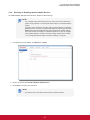
Click to configure FBWF (File-Based Write Filter)
settings. Enabling FBWF option will redirect all writes
targeted for disk volumes to a RAM cache. All system
changes will only affect the session where the
changes are made.
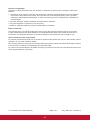
NOTE
• ViewSonic Device Manager is a remote client management software, helping
you remotely mange a large number of endpoint devices in a desktop
virtualization infrastructure. For more information about ViewSonic Device
Manager, You can find the VDM on the CD wizard or refer to the user guide of
ViewSoic Device Manager.
17