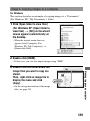
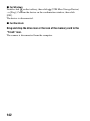
1
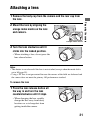
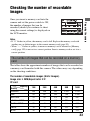
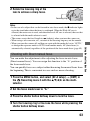
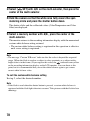
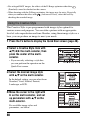
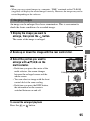
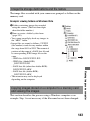
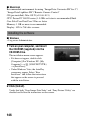
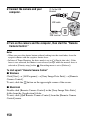
2 Replace the cap on the lens and attach the body cap to the
camera.
• Before you attach the cap, remove dust from the cap.
Note on changing the lens
The camera is equipped with an anti-dust function to prevent dust from
landing on the image sensor. However, quickly change the lens away from
dusty locations to keep dust or debris from getting inside the camera when
attaching/removing a lens.
If dust or debris lands on the image sensor
Clean the image sensor using [Cleaning mode] in the
(page 36).
22
Setup menu