1
F.5 ODM Security
Secondary Server
Access to the
Primary Server
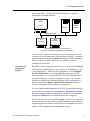
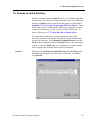
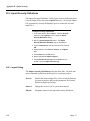
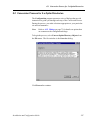
Secondary servers require credentials to access the primary server.
These credentials are assigned to the NAV user profile on the secondary
server.
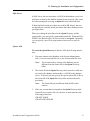
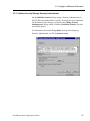
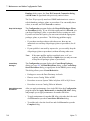
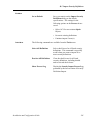
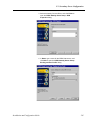
To provide credentials for secondary server access:
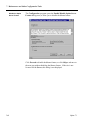
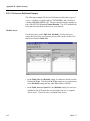
1. In the Attunity Studio Configuration explorer, expand the
secondary server list and the User list to display the NAV
member.
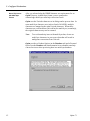
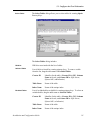
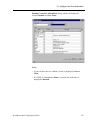
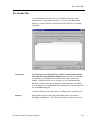
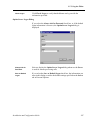
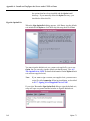
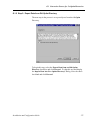
2. Right-click the NAV member and select Edit User from
the shortcut menu to open the user profile editor.
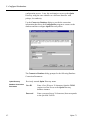
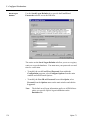
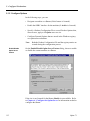
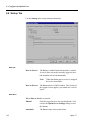
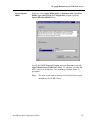
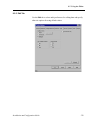
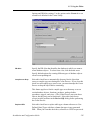
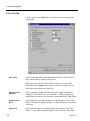
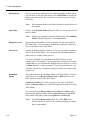
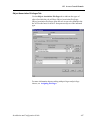
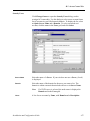
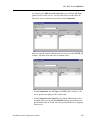
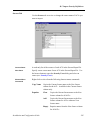
3. Select the Authenticators tab.
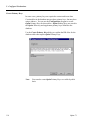
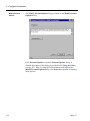
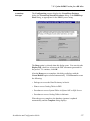
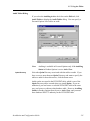
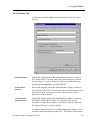
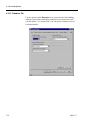
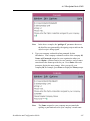
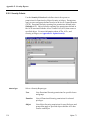
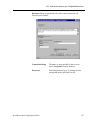
4. Click Add to open the Add Authenticator dialog.
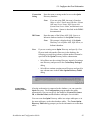
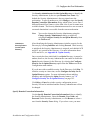
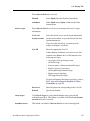
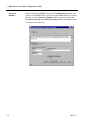
5. In Resource type, select Remote machine.
6. In Resource name, type the primary server name and,
preceded by a colon, the port number for the Attunity
daemon on the primary server. For example,
machinename:port.
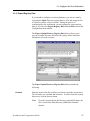
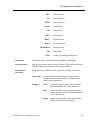
7. In User name, type the user ID with privileges to access
the primary server.
8. In Password and Confirm password, type the password
for the user ID.
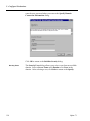
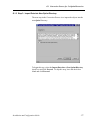
9. Click OK.
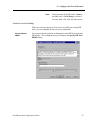
10.From the File menu, select Save All.
Installation and Configuration Guide
553