1
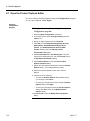
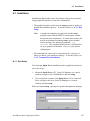
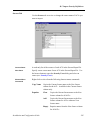
7.17 Drop DB Alias or Optim Tables
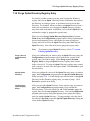
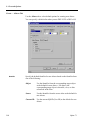
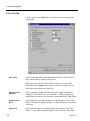
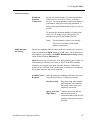
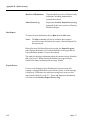
Drop Packages
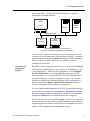
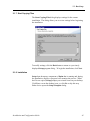
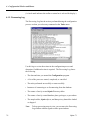
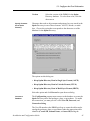
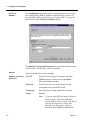
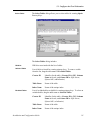
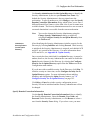
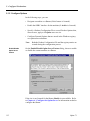
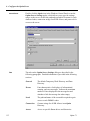
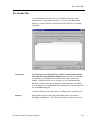
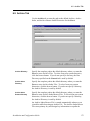
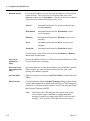
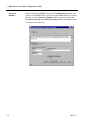
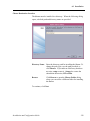
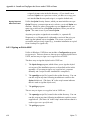
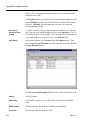
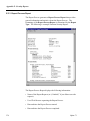
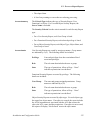
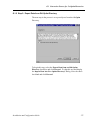
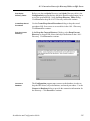
Before dropping packages, plans, or procedures used to access the
database, the Configuration program displays the Create/Drop
Packages, Bind/Drop Plans, or Create/Drop Stored Procedures
dialog, as appropriate.
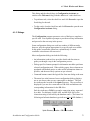
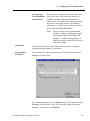
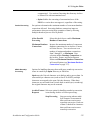
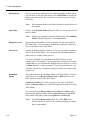
To retain the packages, plans, or procedures, click Skip. To browse the
DDL used to drop the packages, plans, or procedures, select Display
SQL and click Proceed.
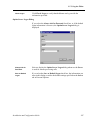
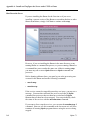
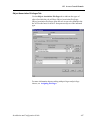
Drop Another
DB Alias?
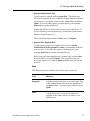
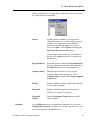
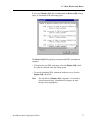
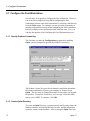
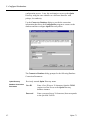
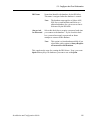
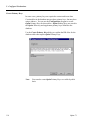
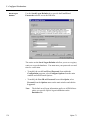
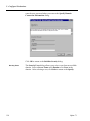
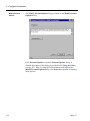
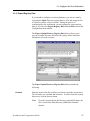
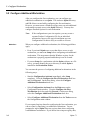
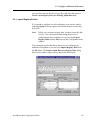
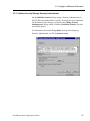
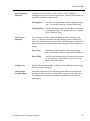
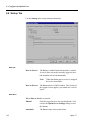
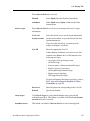
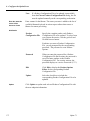
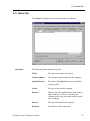
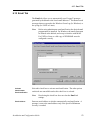
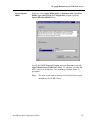
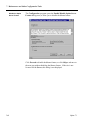
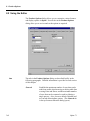
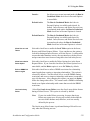
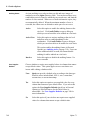
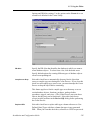
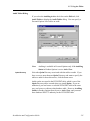
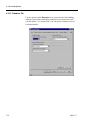
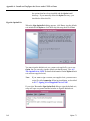
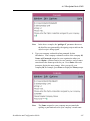
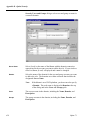
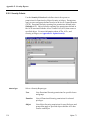
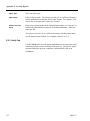
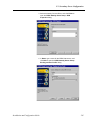
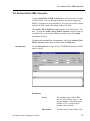
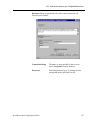
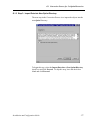
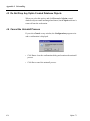
After you drop the DB Alias, the Configuration program opens the
Drop Another DB Alias? dialog. Select the check box to open the
Create/Select DB Alias dialog and restart the process for another DB
Alias.
Installation and Configuration Guide
239