1
DLS-3 SA v1.3
DLS-3 SA v1.3
downloading information to/from a control panel, please
see “Sending information to a panel” on page 49.
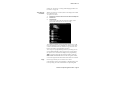
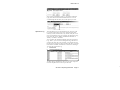
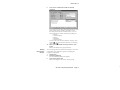
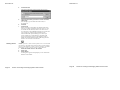
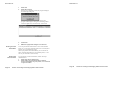
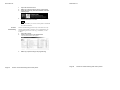
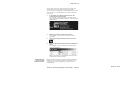
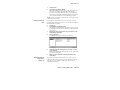
To select a tag, left-click on the desired action.
When a programming section is selected for
uploading, the up arrow will be blue.
When a programming section is selected for
downloading, the down arrow will be red.
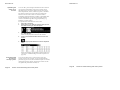
A section cannot have tags set for both uploading and
downloading at the same time.
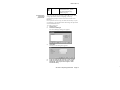
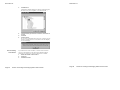
When the section is selected for printing, the printer
icon will have a checkmark.
You can select a section for printing regardless of the state
of the upload or download tags.
Section
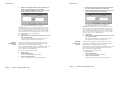
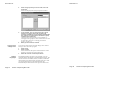
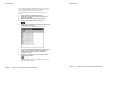
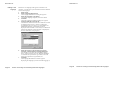
Most tables correspond to the programming sections of the
control panel. The section number will be in square
brackets beside the link in the Section column.
Each programming section is described in your security
system’s Programming Manual and Programming
Worksheets.
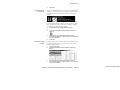
Links
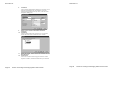
The underlined links in the Table Of Contents describe
each programming section available for the account. To
select a section from the Table Of Contents, you can left–
click on the link. DLS-3 SA will then display the contents
of the programming section.
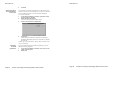
Section Title
The Section title gives a quick description of the areas of
programming (e.g. Installer Options, System Options). A
sub–section label may also be displayed to group multiple
tables together. (e.g. Zone Definitions).
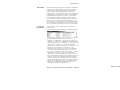
Tables
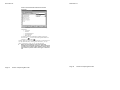
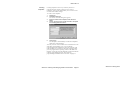
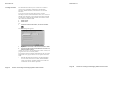
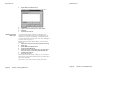
All the current data in the account file is displayed in
tables. Each table represents one programming section. The
tables contain descriptions of the data to be programmed
(i.e. the option label or valid data range), and space to enter
the data.
Section 3: Exploring DLS-3 SA
Page 10
Section 3: Exploring DLS-3 SA
Page 10