1
Billing
1. How to make an Invoice/Bill?
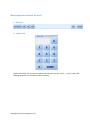
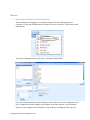
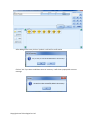
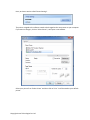
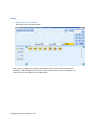
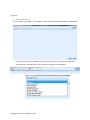
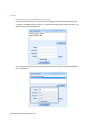
After Login you will see Main window
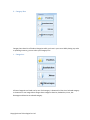
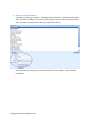
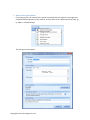
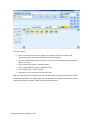
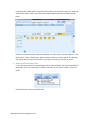
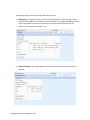
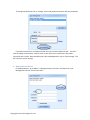
First, select any category from category box and then click on items inside the products box.
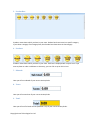
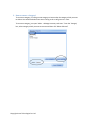
Example: To add Pineapple Pastry to the bill, select ‘Pastries’ and then click on ‘Pineapple’ once.
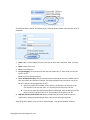
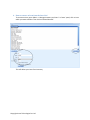
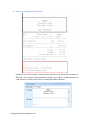
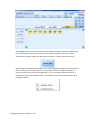
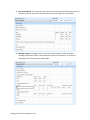
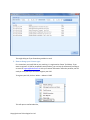
Your will see your item added in list as shown below
Copyright Arvan Technologies Pvt. Ltd.