1
3.) Interface Description
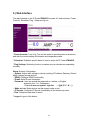
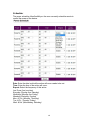
Hardware Interface
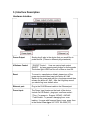
Power Output
Simply plug & play in the device that you would like to
power control. (Comes in different plug standards)
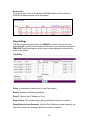
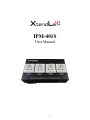
4 Buttons Control
* ON/OFF Control : User can control each output
ON/OFF by keep pressing each button for few seconds.
The button light is RED as turn off or Blue as turn ON .
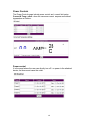
Reset
To revert to manufacturer default, please turn off the
power input switch then keep hold button #1 & #2 .
Switch on the power and wait for a long beep sound then
release the button #1 & #2 . After the long beep sound
you should log in as default value.
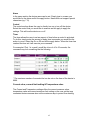
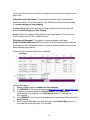
Ethernet port :
Plug in the RJ45 Ethernet cable to the Ethernet port
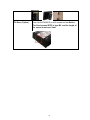
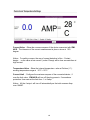
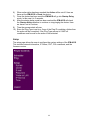
Power Input:
The Power Input locates on the back of the device.
Include On/ Off Switch , plug input and fuse socket :
* Plug : For power in. Support 100VAC ~240VAC
* Fuse Socket : To prevent damaging from over
loading . It comes with fuse and there is one spare fuse
in the socket. Fuse type: U/C GFE 10A 250V (PF)
7