1
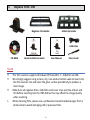
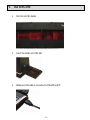
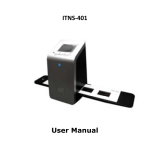
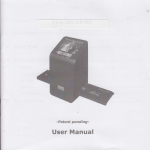
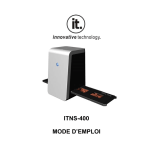
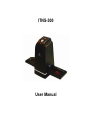
I. Unpack ITNS300 ITNS‐300 Negative Film Holder Slide Film Holder USB cable CD‐ROM Quick Installation Guide User Manual Clean brush NOTE This film scanner supports Windows XP/Vista/Win 7 – 32/64 bit via USB. We strongly suggest using a clean, dry, non‐alcohol cotton swab to insert into the film scanner slot and clean the glass surface periodically to produce a clear image. Make Sure all negative films, slide films and cover trays are free of dust and dirt before inserting into the ITNS‐300 as this may affect the image quality when scanning. When cleaning films, please use a professional recommended purger from a photo store to avoid damaging old or precious films. -1-