1
Mode 1 – CPM/DPM
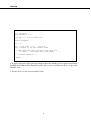
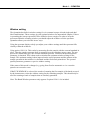
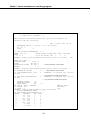
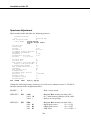
Jump to another line: Lx
To jump to another parameter line before or after the one you are on type L then the line
number you want to go to and press RETURN, e.g. if you are on line 10 and want to go to line
5 type L5 and press RETURN.
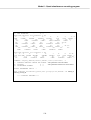
Jump to READY: /
Anytime you want to leave parameter setting and go to the READY state type /.
Correct the character typed: BACKSPACE
If you want to change what you have just typed you can do this as long as you have not pressed
RETURN by using the BACKSPACE key on the keyboard . Each time you press it, one
character will be deleted. When you have got rid of all the characters you want, type the new
ones and then press RETURN. If you have pressed RETURN and then notice something needs
to be changed in the parameter value, use the Lx instruction to go back to the line and give the
whole parameter value again.
61