1
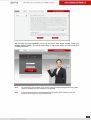
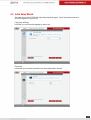
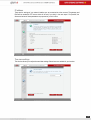
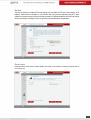
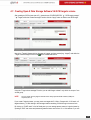
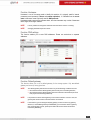
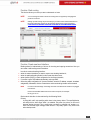
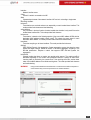
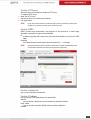
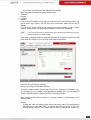
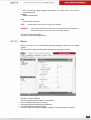
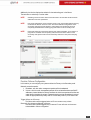
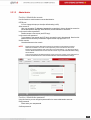
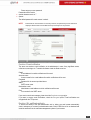
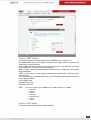
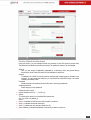
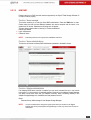
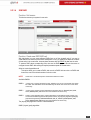
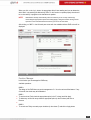
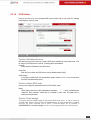
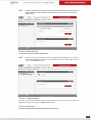
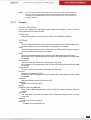
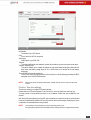
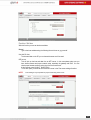
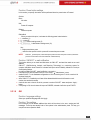
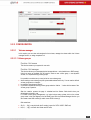
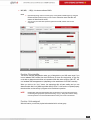
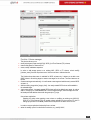
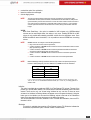
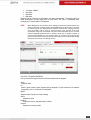
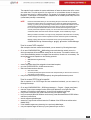
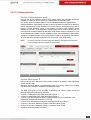
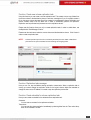
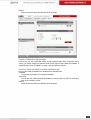
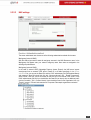
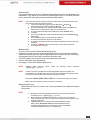
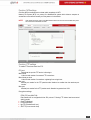
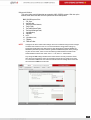
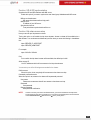
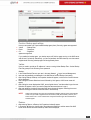
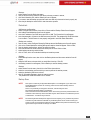
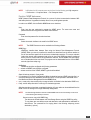
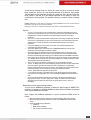
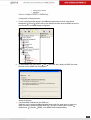
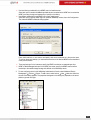
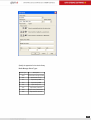
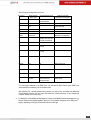
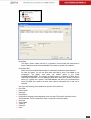
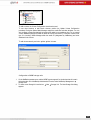
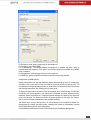
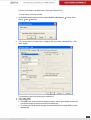
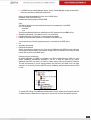
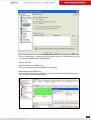
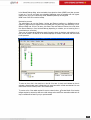
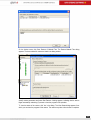
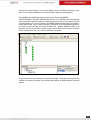
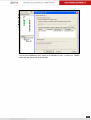
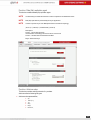
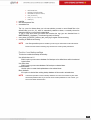
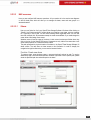
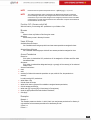
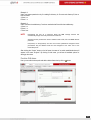
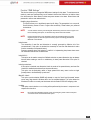
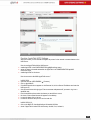
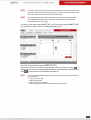
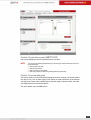
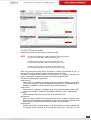
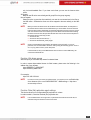
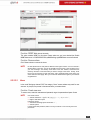
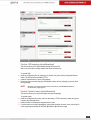
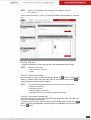
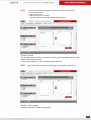
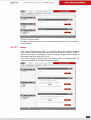
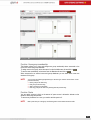
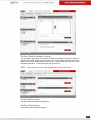
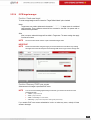
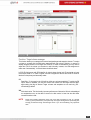
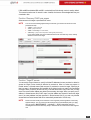
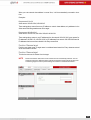
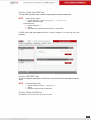
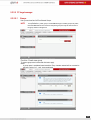
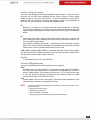
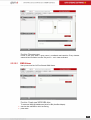
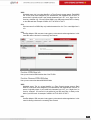
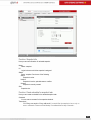
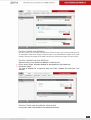
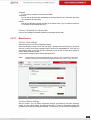
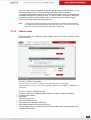
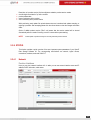
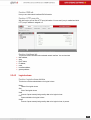
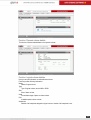
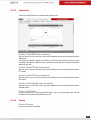
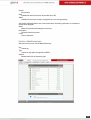
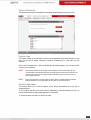
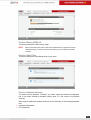
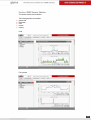
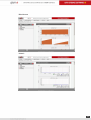
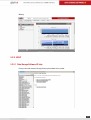
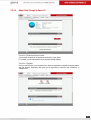
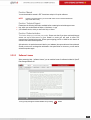
5.2.1.3 H/W RAID Please note that your RAID controller must be supported by the Open-E Data Storage Software V6 in order to function properly. Function: 3ware manager This function enables you to enter the 3ware RAID administration. Press the 3DM button to enter. Please make sure that the time difference between the remote computer and the server is not greater than 30 minutes. Otherwise the following error will appear: You have been logged out due to inactivity or Cookies are disabled. Default login details: Login: Administrator Password: 3ware NOTE Scheduling tasks are not supported for 7000/8000 controllers. Function: 3ware administrations This function will restore the 3ware RAID Administrator password to the default: 3ware. Function: Adaptec administration If an Adaptec RAID series controller is installed, you can use a command line tool in the console tools (press F1 in the console to list available keyboard shortcuts) or the Adaptec Storage Manager tool (which should have come with your Adaptec controller). When connecting remotely to the Adaptec Storage Manager tool, the default user and password are raid. Reset Restores factory default settings for the Adaptec Storage Manager. NOTE It is not recommended to change the Agent system base port number (in the Agent system port menu) in the Adaptec Storage Manager, as this may cause other services to malfunction. 51