1
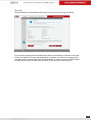
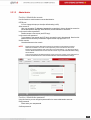
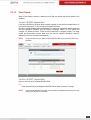
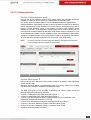
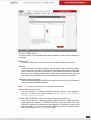
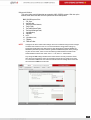
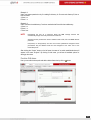
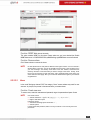
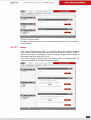
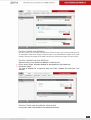
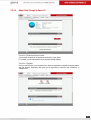
Summary
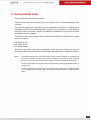
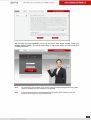
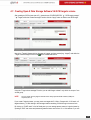
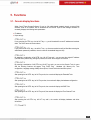
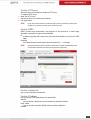
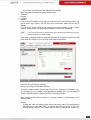
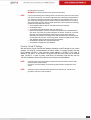
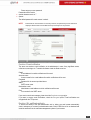
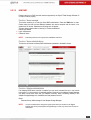
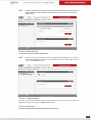
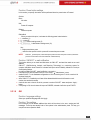
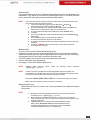
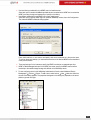
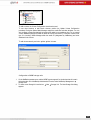
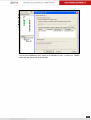
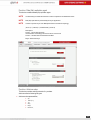
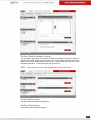
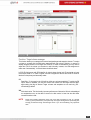
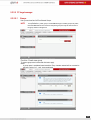
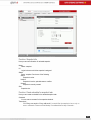
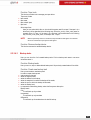
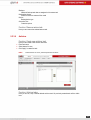
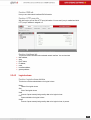
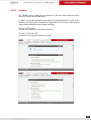
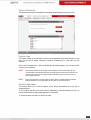
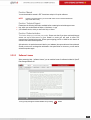
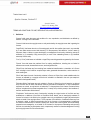
All steps required to complete wizard are done. Now you can click exit to start using your software.
If you don't want to display quick start wizard at logon please click the checkbox at the bottom of the page.
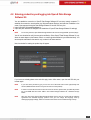
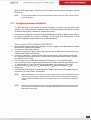
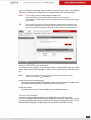
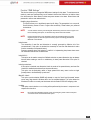
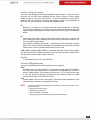
In case you would like to run quick start wizard again in the future, you can do this by entering 'Help ->
help index' position in menu and click 'Run Initial Setup Wizard'. If you do not want to Initial Setup Wizard
re-load at login to the DSS V6, please check the box for "Do not show me the wizard at logon 's
18