1
1. Monitoring
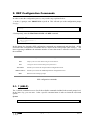
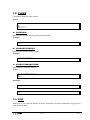
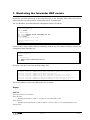
In order to enter the forwarder DEP monitoring process, follow the steps given below:
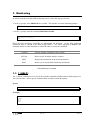
1. At the (*) prompt, enter PROCESS 3 or just P 3. This will take you to the monitoring prompt +.
*P 3
+
2. At the (+) prompt, enter the command PROTOCOL DEP.
+PROTOCOL DEP
DEP Protocol monitor
DEP>
Below the DEP monitoring commands are ennumerated and described. All the DEP monitoring
commands must be entered at the DEP prompt (DEP>). The letters appearing in bold are the
minimum number of letters that must be entered in order to execute the command.
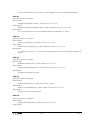
Command
? (HELP)
Functions
Lists the available commands or their options.
CLEAR
Deletes all the forwarder statistics counters.
LIST
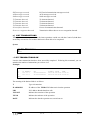
Displays the information on the forwarder statistics.
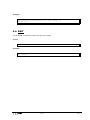
EXIT
Permits you to exit the DEP monitoring environment.
DEP Monitoring Commands
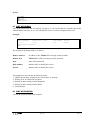
1.1. ? (HELP)
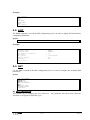
The ? (HELP) command serves to list all the available commands included at the normal prompt level.
You can also enter ? after a specific command name in order to obtain the options.
Syntax:
DEP>?
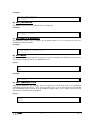
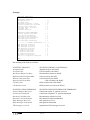
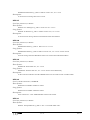
Example:
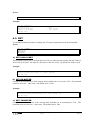
DEP>?
CLEAR
LIST
EXIT
DEP>
FORWARDER DEP - Monitoring
III - 18
Doc.DM263-I
Rev.1.0