1
8.3.11 Owner
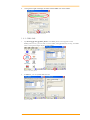
This function lets you set the PT-90 to display user information at start up, add information on
the user, and set up a Network ID.
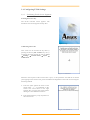
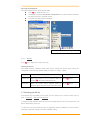
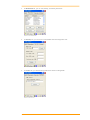
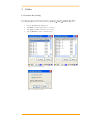
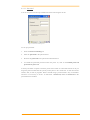
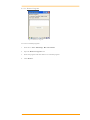
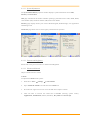
Figure 8-24 Owner Properties
Identification
Enter information such as Name, Company, Address, company phone number, home
phone number in the user information tab. To display the owner information on the start
screen for system start, click the Display Owner Identification check box.
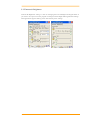
Notes
Enter additional user information or other information in the Notes box. To show notes on the
initial screen when the system starts, click Display Owner Notes check box.
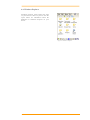
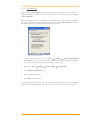
Network ID
Windows CE 6.0 gains access to Network resources using the owner information. Enter the
information provided by Network manager such as User Name, Password, and Domain.
User’s Manual
69