1
1-2
Omnii Hand-Held Computer with Windows CE 6.0 User Guide
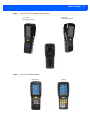
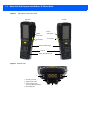
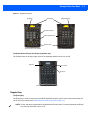
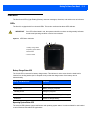
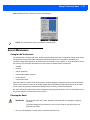
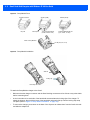
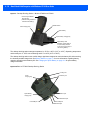
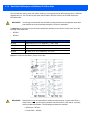
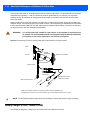
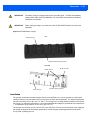
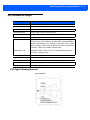
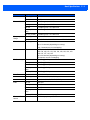
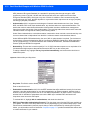
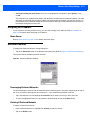
Figure 1-2
Side Views of the Omnii XT15
Left Side
Right Side
Vertical
scroll button
Volume
rocker button
Scan button
Enter button
Battery release button
Side rail
Slot for Snap Module arm
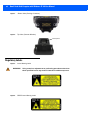
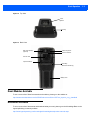
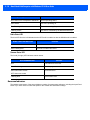
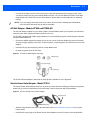
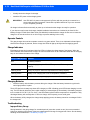
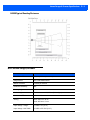
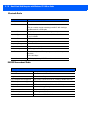
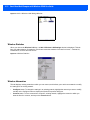
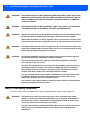
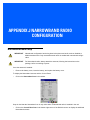
Figure 1-3 Bottom View
1
2
1 - Docking Connector
3
2 - Alignment Pin Holes
3 - M2.5 Locking Screws
(for firmly attaching devices)
4 - Hand Strap Slot
2
3
4